
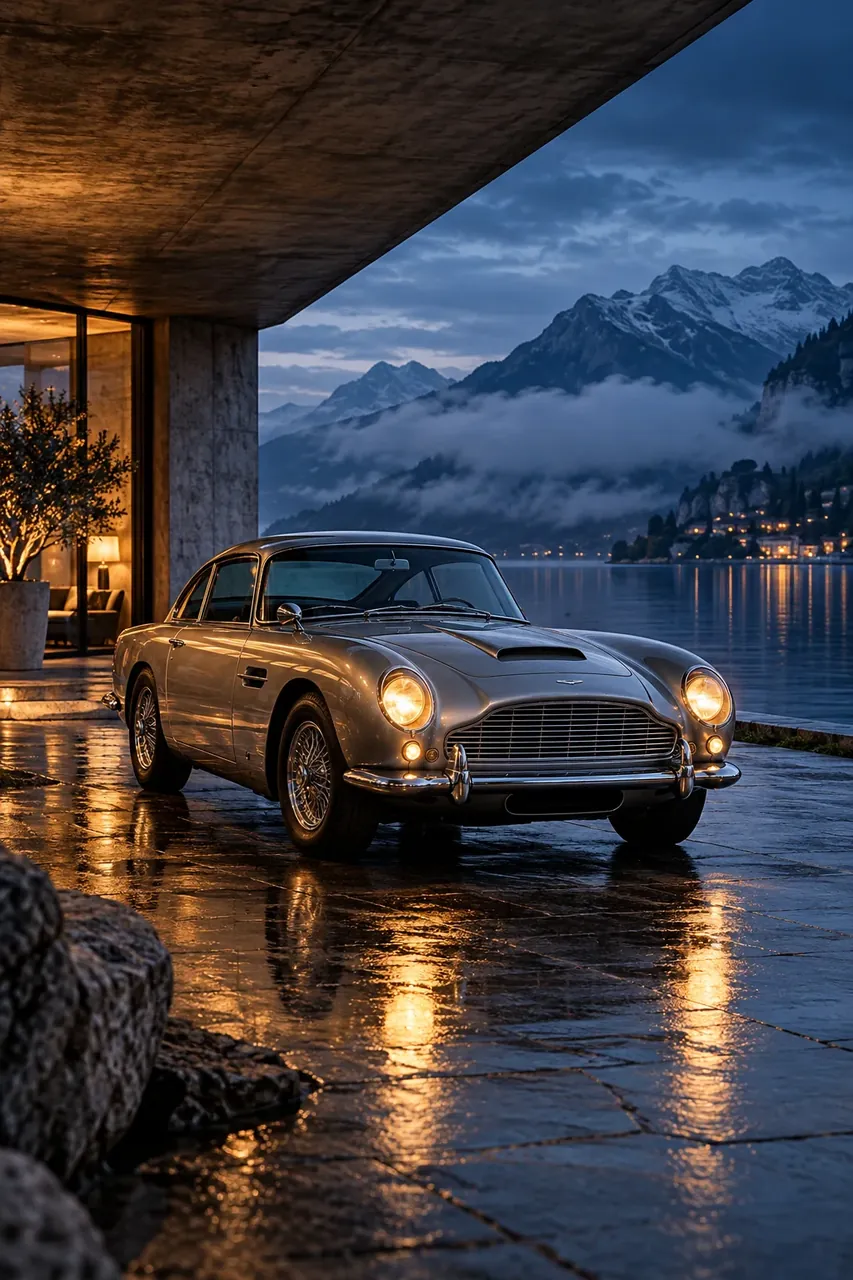


The original Nano Banana experience.
Nano Banana v1 Classic remains available for creators who prefer its familiar generation style or want to revisit an existing workflow. Select it directly in the studio without changing how you write prompts.
The original Nano Banana model, kept in the NanoBananas studio for familiar image creation and editing. Use its Standard output for simple concepts, lightweight edits, and prompt exploration at a fixed 2 credits per image.
10 free credits on sign-up · No card required · 2 credits per image
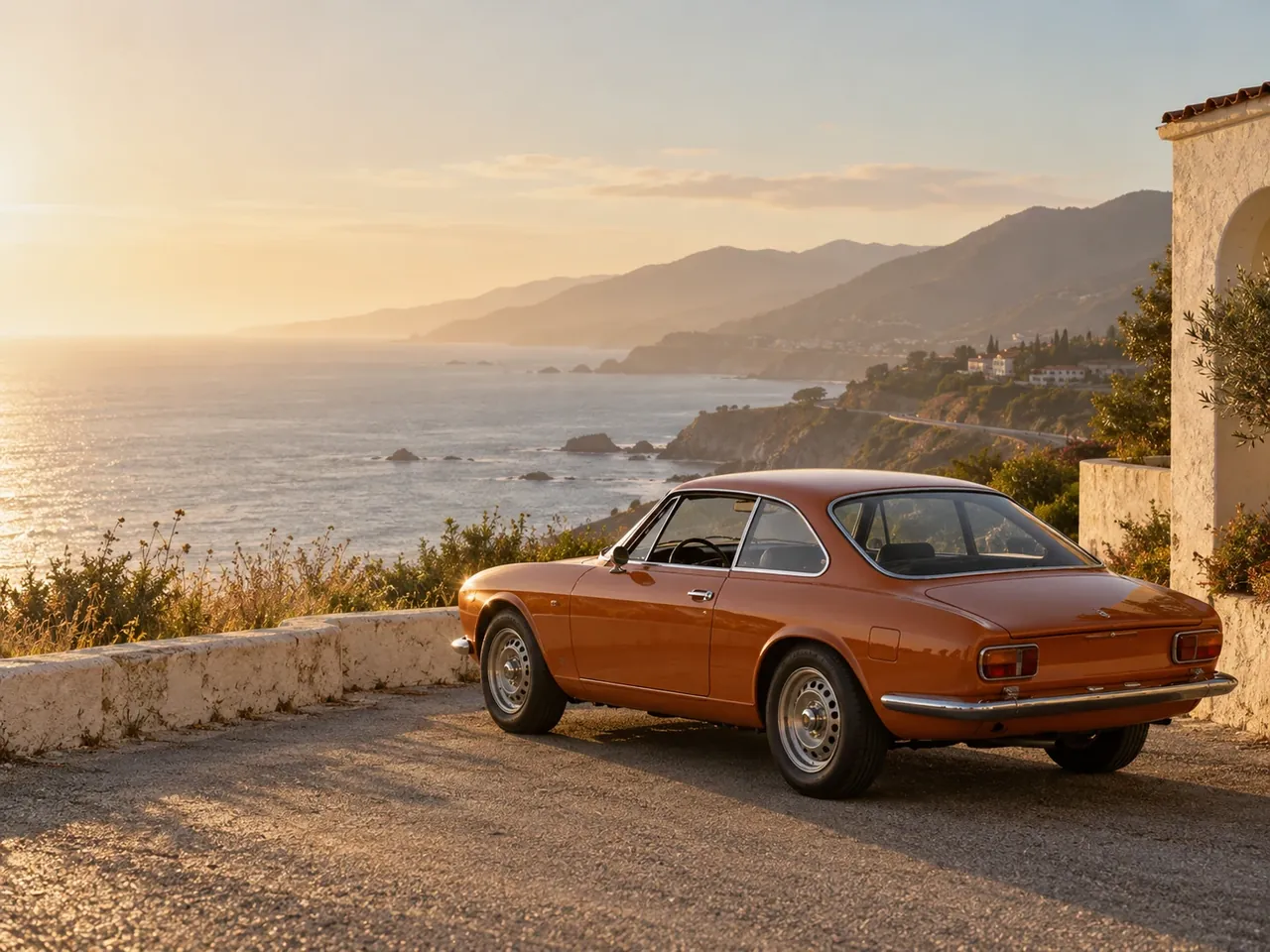
Tell Nano Banana what to keep and what to change. No professional photo editing skills needed.
 Before
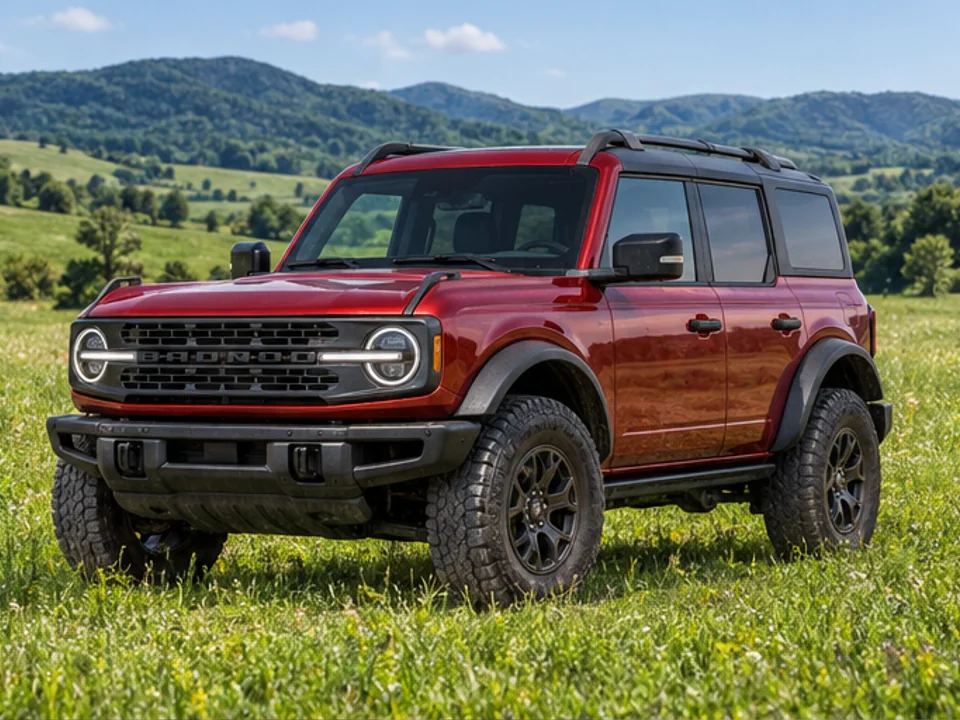
Move the SUV to a green meadow
| Official name | Gemini 2.5 Flash Image |
|---|---|
| Developer | |
| Released | |
| Modes | Text to image, image to image (editing) |
| Resolution | Standard |
| Credits per image | 2 |
| Reference images | 4 |
| Best for | The original Nano Banana look at a fixed low cost |
Nano Banana v1 Classic remains available for creators who prefer its familiar generation style or want to revisit an existing workflow. Select it directly in the studio without changing how you write prompts.
Each image costs 2 credits at the Standard setting. The model does not use the 1K, 2K, or 4K resolution tiers offered by newer models, so the per-image cost stays straightforward.
Start with a text prompt, or switch to Image to Image to edit a photo using natural-language instructions. You can add up to 4 reference images when you need to guide a generation.
Use v1 Classic when you want its original style at a low fixed cost. Move to Nano Banana 2 for a newer everyday workflow, Nano Banana 2.1 for native 4K and sharper text, or Nano Banana Pro for its cinematic portrait look.
Choose the model marked Classic in the model selector above.
Use Text to Image for a new image, or Image to Image to edit an uploaded photo.
Write a natural-language prompt with the subject, setting, and style. Add reference images when you want to guide the result.
Each image costs 2 credits at Standard output. Review the result and adjust your prompt or references for another pass.
Generate AI images and videos with subscription credits or credit packs. They share one credit balance; image costs vary by model and resolution, while video costs vary by model and duration. New users get 10 free trial credits.
Cancel anytime
For individuals & casual creators
Ideal for personal projects & starters
For professional creators & teams
Most popular choice for professional creators
Designed for studios & enterprise scale
Enterprise solution for highest productivity
Nano Banana v1 Classic costs 2 credits per image at Standard output. New users receive 10 free trial credits on sign-up, with no card required.
Nano Banana v1 Classic uses the Standard output setting. The 1K, 2K, and 4K resolution choices are available on newer models such as Nano Banana 2, Nano Banana 2.1, and Nano Banana Pro.
Yes. Select Image to Image, upload a photo, and describe the changes you want in your prompt.
Yes. Add up to 4 reference images in the studio to guide the generation. Describe what the model should preserve or change.
Nano Banana v1 Classic is the original model and uses Standard output for 2 credits per image. Nano Banana 2 is a newer model with 1K, 2K, and 4K options at different credit costs.
Yes. Sign up to receive 10 free credits with no card required. At 2 credits per image, you can use those credits for 5 Standard generations.
Find the right model for your next creation and keep your ideas moving.