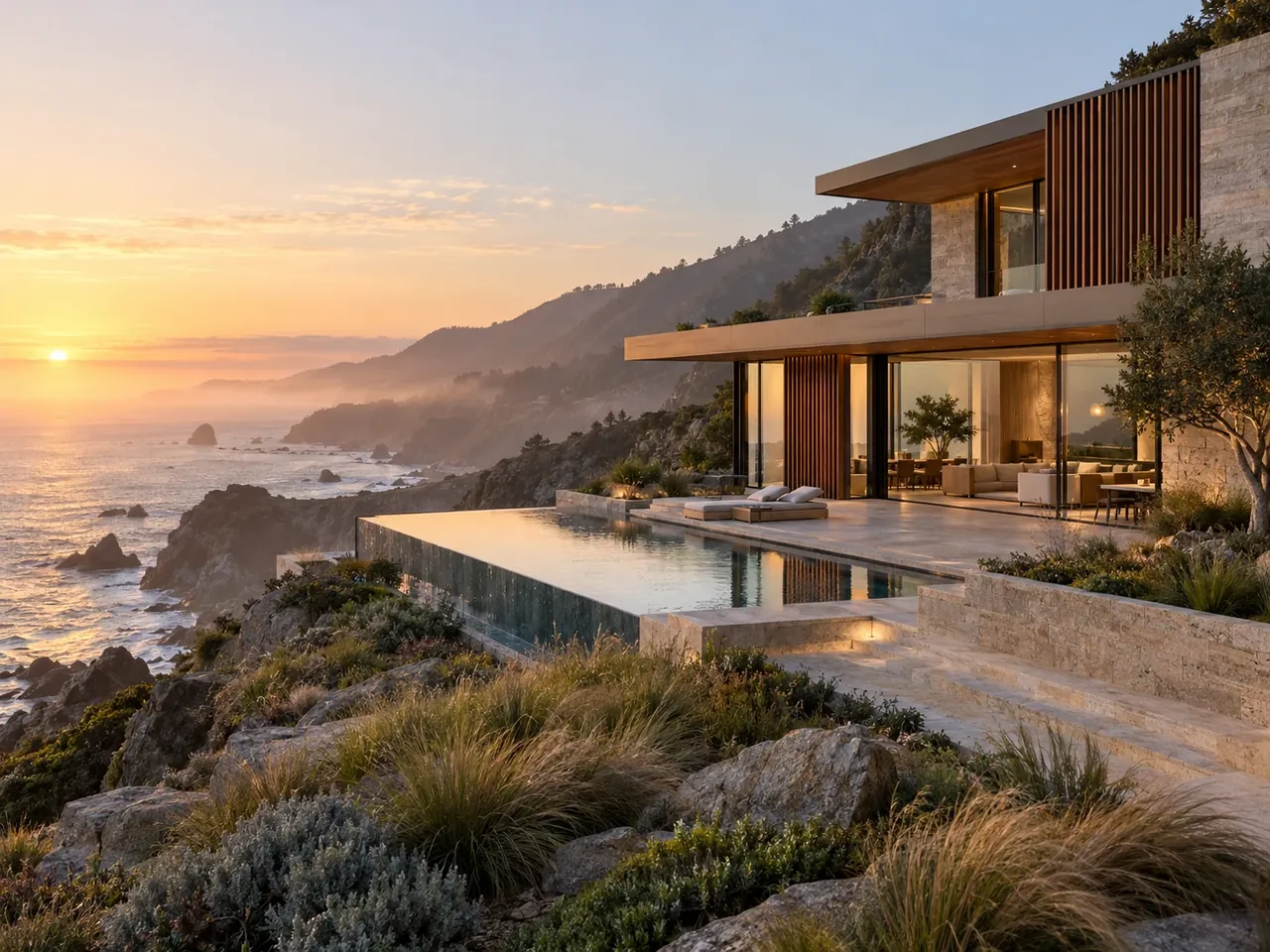
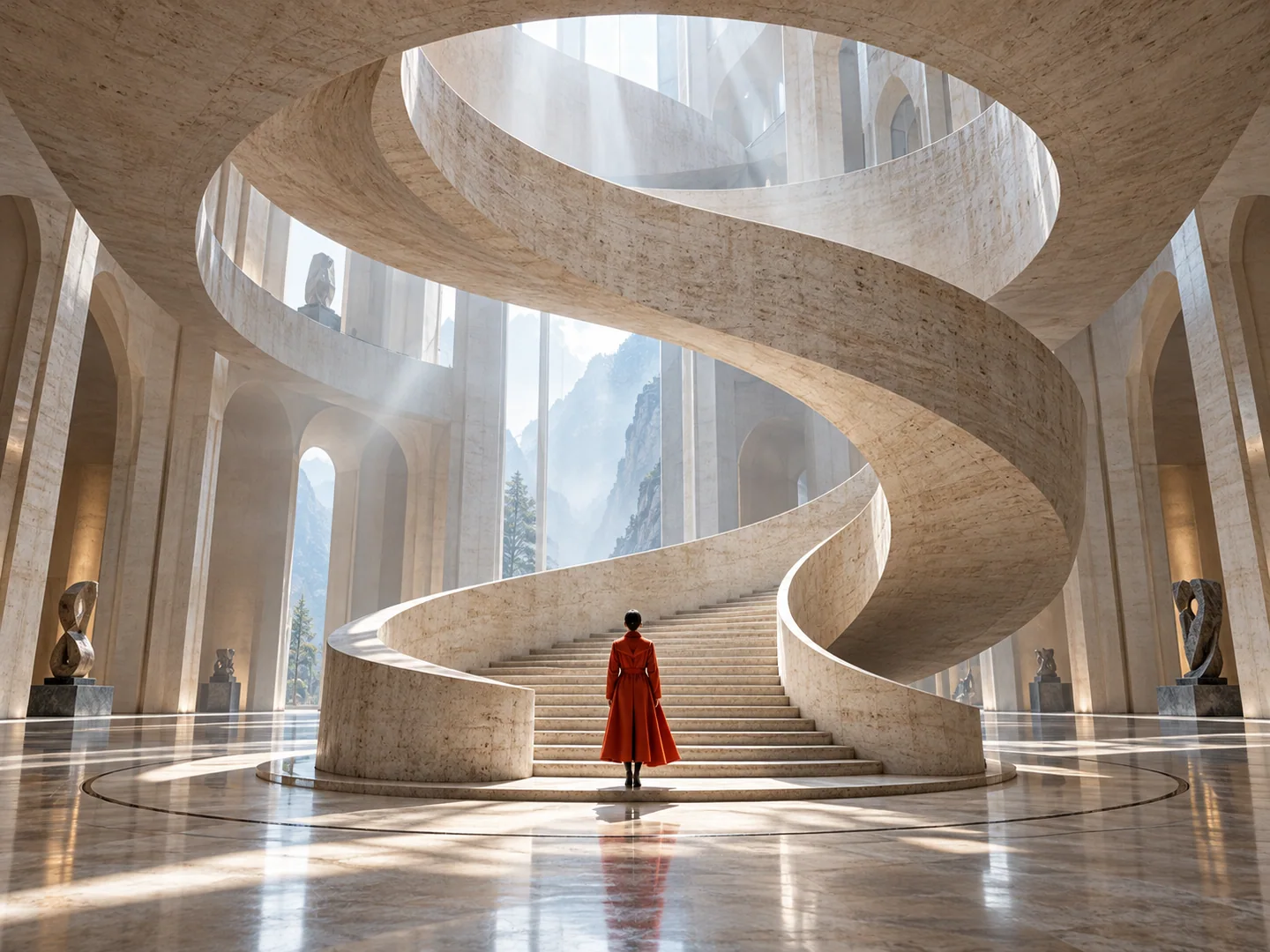
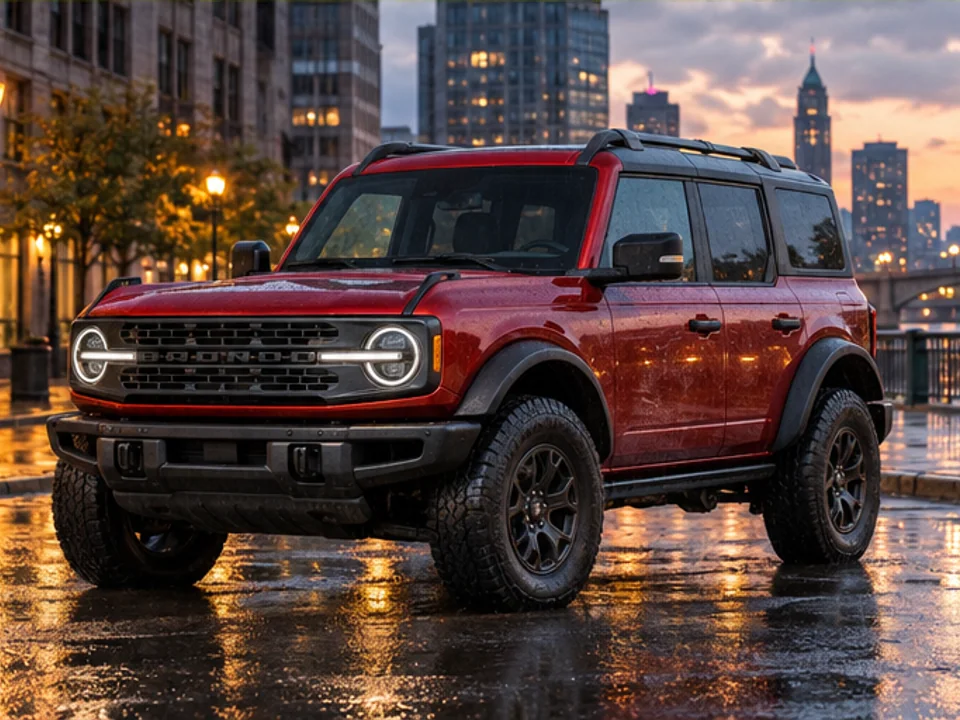
Native 4K output.
Nano Banana 2.1 renders directly on a 4K canvas instead of upscaling a smaller image afterwards. Fabric weaves, stonework, and hair strands keep crisp edges — no invented blur, no plastic texture.
Google's newest Nano Banana model, live in the NanoBananas studio. Native 4K output, layout-aware spatial reasoning, and in-image text that actually reads correctly.
10 free credits on sign-up · No card required · From 6 credits per image
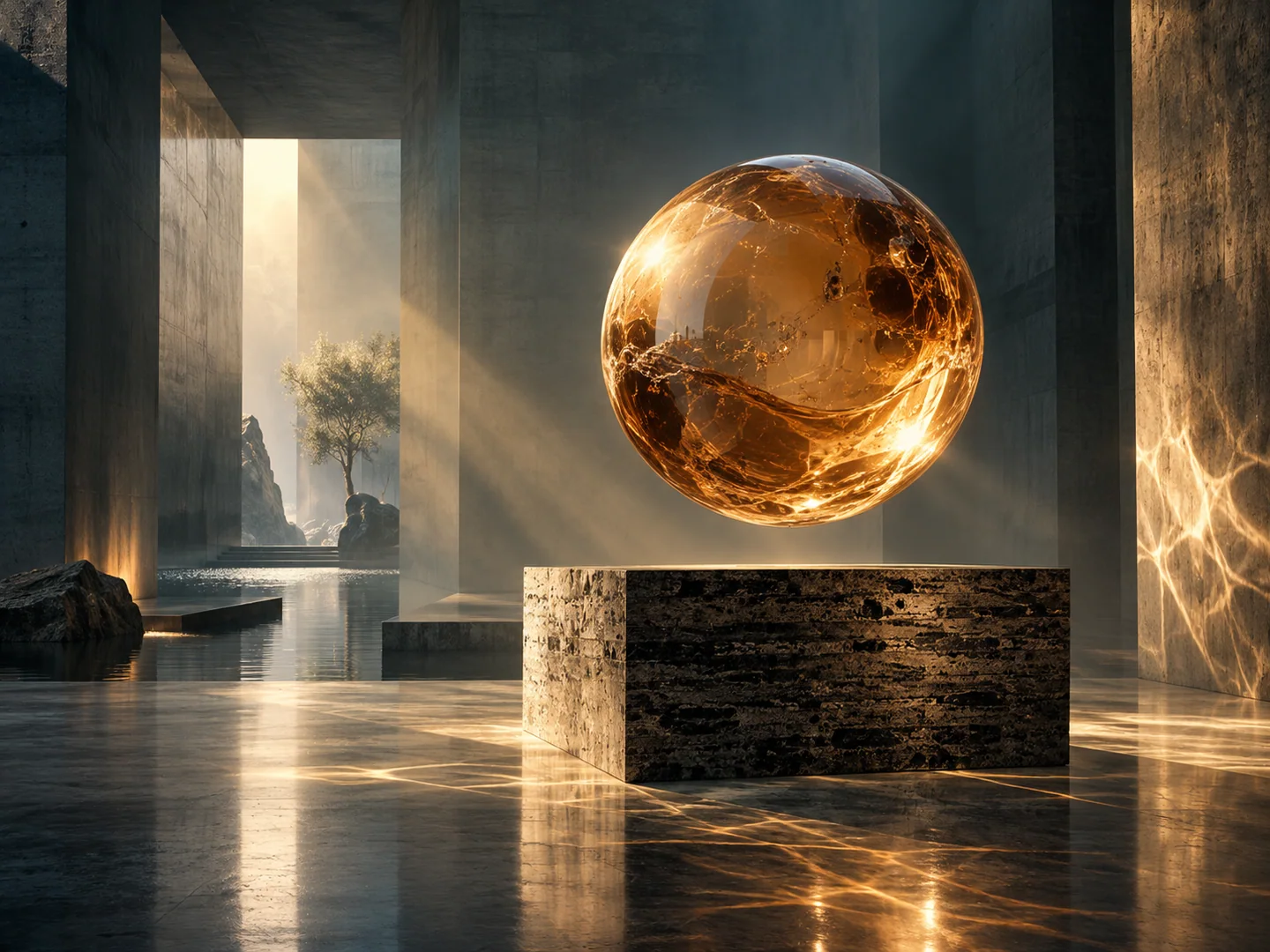
Tell Nano Banana what to keep and what to change. No professional photo editing skills needed.
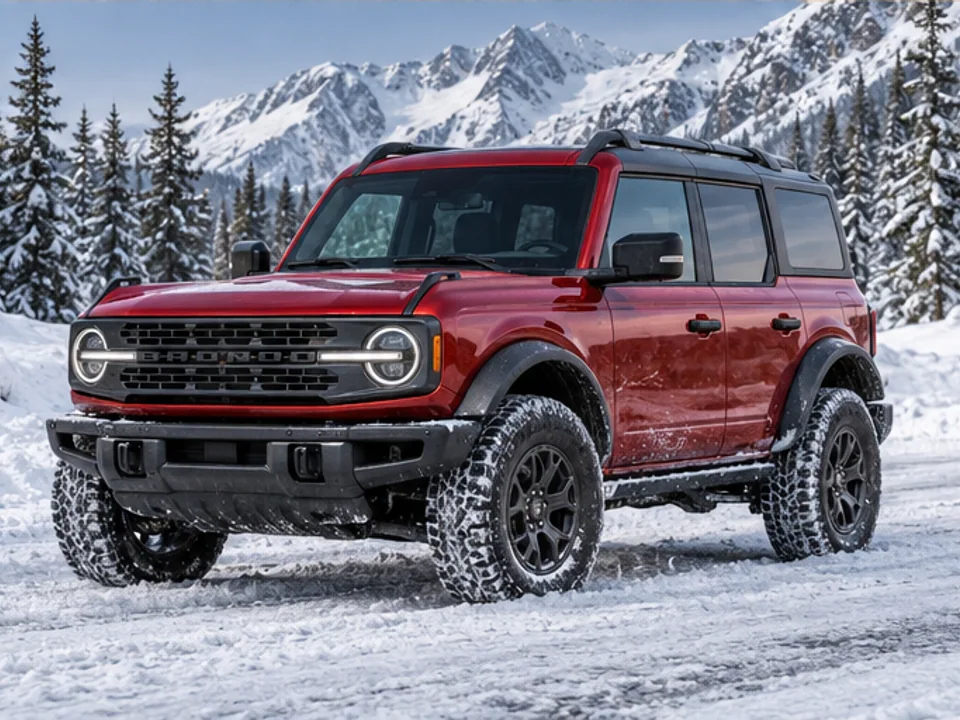
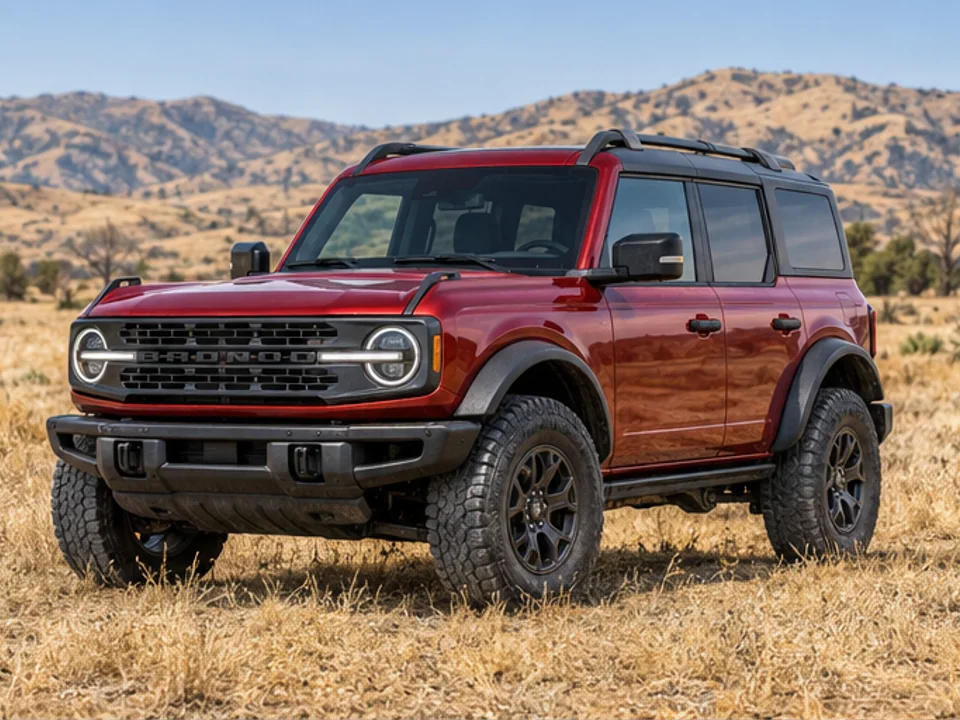 Before
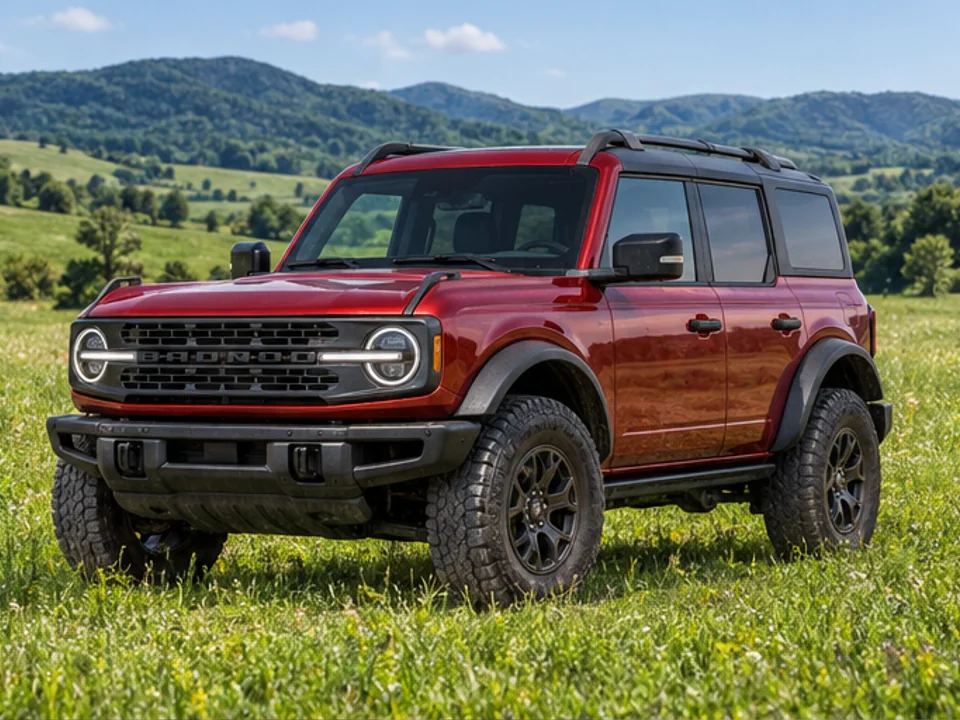
Move the SUV to a green meadow
| Official name | Nano Banana 2.1 (gemini-nano-banana-2.1) |
|---|---|
| Developer | |
| Released | |
| Modes | Text to image, image to image (editing) |
| Resolution | 1K / 2K / 4K |
| Credits per image | 6 / 8 / 16 |
| Reference images | 4 |
| Best for | Native 4K, sharp in-image text, posters and multi-character scenes |
Nano Banana 2.1 renders directly on a 4K canvas instead of upscaling a smaller image afterwards. Fabric weaves, stonework, and hair strands keep crisp edges — no invented blur, no plastic texture.
Before drawing a single pixel, 2.1 plans the composition: where text lines sit, how subjects relate, where light falls. That planning pass is why posters come out with straight, correctly spelled headlines and why anatomy breaks far less often on the first attempt.
2.1 can ground a generation in live Google Web and Image Search data, so real landmarks, current buildings, and recent cultural references come out recognizably right instead of approximately remembered.
Upload up to 4 reference images in the studio to lock a character's face, a product's angles, or a brand's style across a whole set of images — no local adapters or node workflows to configure.
In Google DeepMind's official preference benchmarks, Nano Banana 2.1 scores 1050 Elo overall against Nano Banana Pro's 935, with its biggest leads in poster & infographic layout (1048 vs 912) and multi-character consistency (1106 vs 1011). Read the full breakdown in our Nano Banana 2.1 vs Pro comparison.
Google DeepMind preference Elo: 1050 overall vs 935 for Nano Banana Pro (source: Nano Banana 2.1 model card). Read the Nano Banana 2.1 vs Pro comparison.
Select "Nano Banana 2.1" (marked Popular) in the model selector above.
Nano Banana 2.1 understands natural descriptions, not tag soup. Put any text you want inside the image in quotation marks, with a font and placement cue — e.g. headline in bold sans-serif reading "SUMMER FESTIVAL".
Switch to Image to Image and upload up to 4 references — a face, a product, a style frame. Tell the model what to keep: "Keep the same subject and only change the background to…"
Explore compositions at 1K for 6 credits, then render the winner at 4K for 16. Use Continue in Img2Img to refine details turn by turn.
Generate AI images and videos with subscription credits or credit packs. They share one credit balance; image costs vary by model and resolution, while video costs vary by model and duration. New users get 10 free trial credits.
Cancel anytime
For individuals & casual creators
Ideal for personal projects & starters
For professional creators & teams
Most popular choice for professional creators
Designed for studios & enterprise scale
Enterprise solution for highest productivity
Nano Banana 2.1 is an AI image generation and conversational editing model for creating visuals from text or refining an existing image. It is a strong fit for posters, infographics, product scenes, and other work that benefits from detailed layouts, readable in-image text, and high-resolution output.
Four upgrades: native 4K rendering, automatic spatial reasoning that plans layout and text before generating, dual Google Web + Image Search grounding for real-world accuracy, and sharper, more reliable in-image text. If you mostly generate posters, packaging, or product scenes, 2.1 is the step up that matters.
For most work, 2.1: it leads Pro in DeepMind's official preference Elo (1050 vs 935), renders cleaner typography, and costs fewer credits. Choose Pro when you want its cinematic portrait look or your workflow is tuned to Pro's rendering style. Our 2.1 vs Pro comparison breaks down the benchmarks in detail.
Nano Banana 2.1 offers 1K, 2K, and native 4K output. Choose the aspect ratio available in the studio that fits your destination, such as a square social post, a vertical portrait, or a wide banner. The selected model and output settings determine the credit cost shown before generation.
Up to 4 per generation in the studio. Use them to lock character faces, product angles, or a style reference, and say in your prompt what must stay unchanged.
Yes — legible text is one of its specialties, thanks to the layout-planning step. For best results, wrap the exact wording in quotation marks and name a font style and position. Very small print (fine print, dense tables) is still worth checking at full size before you ship.
Describe the subject, setting, composition, lighting, materials, and intended use. For a poster or product label, quote the exact copy and specify its position and visual hierarchy. For image editing, state what should change and which details must remain consistent.
Choose Text to Image to create from a prompt, or Image to Image to edit an uploaded photo. You can add up to 4 reference images and select an available aspect ratio, 1K/2K/4K resolution, and output count in the studio.
6 credits at 1K, 8 credits at 2K, and 16 credits at 4K. New users receive 10 free trial credits on sign-up, with no card required — enough to test 2.1 at 2K and still have credits left over.
Yes. Sign up and you get 10 free credits with no card required. That covers your first generations at 1K or 2K; paid plans and credit packs are there when you need 4K volume.
Find the right model for your next creation and keep your ideas moving.