
Rotate & Flip Image Online Free
Rotate to any angle or mirror your image. Free and processed in your browser.
Drag and drop your image here, or click to browse
Supports: PNG, JPG, WebP (Max 10 MB)How to rotate an image
Choose an image from your device.
Rotate by 90°, 180°, or a custom angle, or flip horizontally or vertically.
Get your rotated or flipped image.
Rotate or flip: see the difference
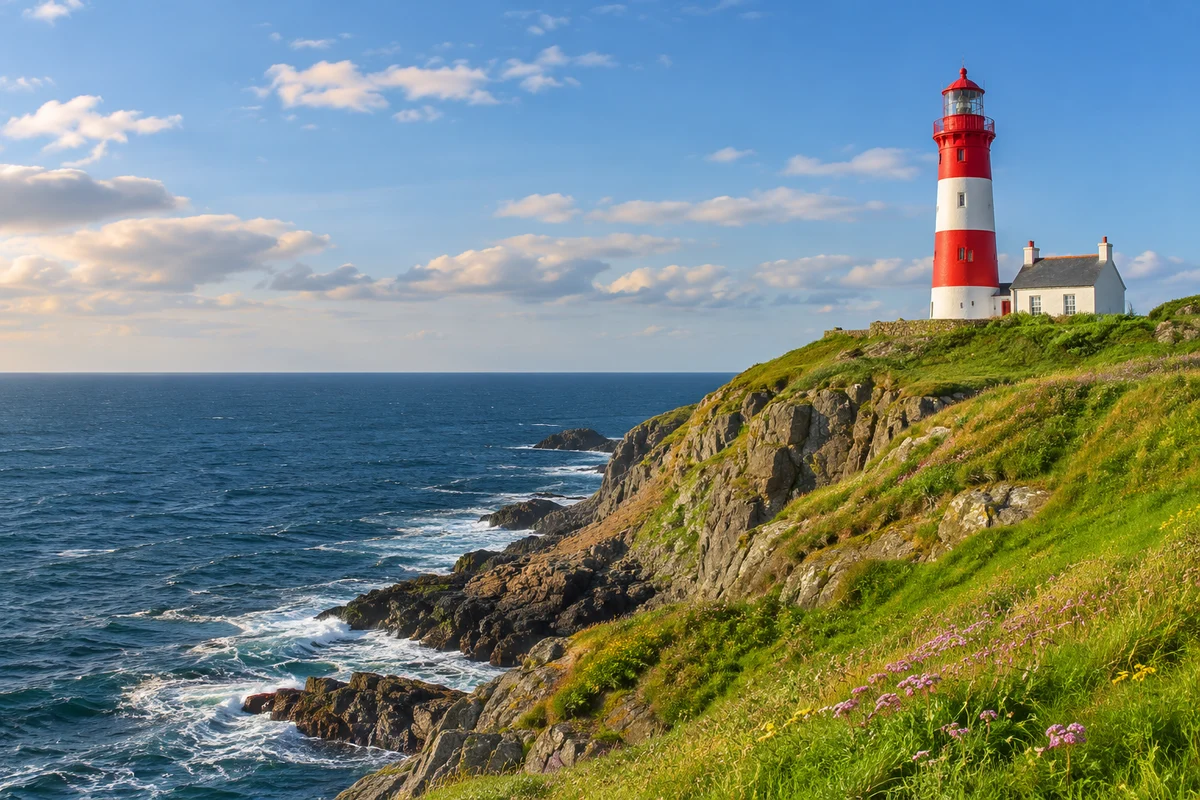
Turns the image 90 degrees clockwise.
Rotates the image to a precise angle.
Mirrors the image left to right.
Mirrors the image top to bottom.
Custom angles and image backgrounds
Keep the whole image
The canvas expands to prevent cropping.
Save transparent corners
Use PNG or WebP to preserve transparency.
Export as JPG
Empty corners use a white background.
Arbitrary-angle rotation resamples pixels; export quality depends on format and settings.
Frequently asked questions
How do I rotate an image to a specific angle?
Use the custom angle slider or enter a degree value, then download your image.
What is the difference between rotating and flipping?
Rotation turns an image; flipping mirrors it horizontally or vertically.
Why do empty corners appear after rotation?
The canvas expands to keep the whole image visible when it is rotated at an arbitrary angle.
Does rotation affect image quality?
Arbitrary-angle rotation resamples pixels, and JPEG export can introduce compression. Keep the original if you need it later.
Are my images uploaded to a server?
No. This tool processes your image in your browser.
Is this free and which formats are supported?
The tool is free and supports JPG, PNG and WebP images up to 10 MB.
Need more than a quick edit?
Remove or replace the background, restyle a photo, or extend it past its edges with a simple text prompt using the Nano Banana AI image editor. New users get free credits.