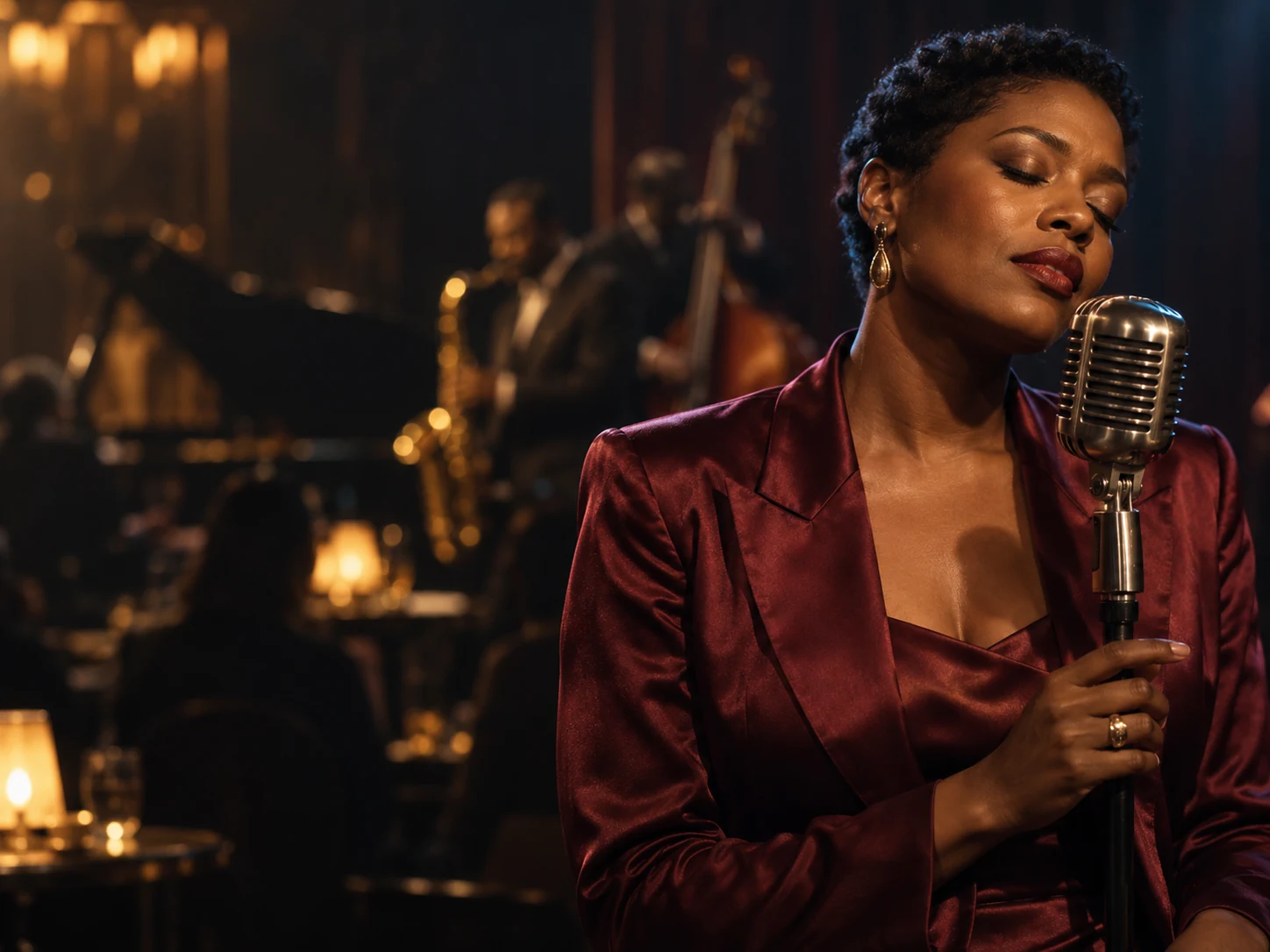
Google's flagship image model (Gemini 3 Pro Image), live in the NanoBananas studio — the cinematic look, expressive portraits, and rich detail that made Nano Banana Pro the reference render for creative work.
10 free credits on sign-up · No card required · From 8 credits per image
Upload reference images, then type @ to insert @Image 1, @Image 2, etc. Describe exactly how to use them.
Resolution
8 credits
Edit images with a prompt
Tell Nano Banana what to keep and what to change. No professional photo editing skills needed.
Before
Move the SUV to a green meadow
Nano Banana Pro specifications
Official name
Gemini 3 Pro Image
Developer
Google
Released
Modes
Text to image, image to image (editing)
Resolution
1K / 2K / 4K
Credits per image
8 / 12 / 20
Reference images
4
Best for
Cinematic portraits, rich detail and expressive characters
Nano Banana Pro is built on Gemini 3 Pro Image, Google's top-tier image engine. Its rendering has a recognizable character — cinematic lighting, expressive skin tones, and painterly depth that portrait and narrative work keeps coming back to.
Portraits and characters first.
Pro's latents are tuned for faces and figures: editorial portraits, character sheets, story scenes. Feed it up to 4 reference images and it holds a character's identity across poses, outfits, and lighting setups.
Full-resolution delivery.
Generate and edit at native 1K, 2K, or 4K, from text prompts or by restyling an uploaded photo in natural language — no masks to paint, no layers to manage.
An honest note on benchmarks.
In DeepMind's latest preference Elo, the newer Nano Banana 2.1 now scores higher overall (1050 vs 935) and is cheaper per image. Pro remains the pick when you specifically want its cinematic rendering style, or when a project is already calibrated to Pro's look. We publish the numbers either way — see the full comparison.
How to Use Nano Banana Pro
1
Open the studio and pick Pro.
Select "Nano Banana Pro" in the model selector above.
2
Write like a director, not a tagger.
Describe subject, setting, light, and mood in natural sentences. Pro responds well to cinematography language — lens, lighting, film stock.
3
Anchor identity with references.
In Image to Image mode, upload up to 4 references (frontal + profile shots work best) and state what must stay the same.
4
Generate, then keep editing.
Download the keepers, or hit Continue in Img2Img and refine turn by turn — change the background, the outfit, the light — while the subject stays locked.
Choose Your AI Image Generation Plan
Generate AI images and videos with subscription credits or credit packs. They share one credit balance; image costs vary by model and resolution, while video costs vary by model and duration. New users get 10 free trial credits.
Cancel anytime
Basic
$9.99 / mo
For individuals & casual creators
Includes
100 credits / month
Shared credits for images and videos; video costs vary by model and duration.
How many credits does Nano Banana Pro cost per image?
8 credits at 1K, 12 credits at 2K, and 20 credits at 4K. New users get 10 free trial credits on sign-up, no card required.
Nano Banana Pro or Nano Banana 2.1 — which should I use?
Choose 2.1 for posters, text-heavy designs, product scenes, and the best benchmark scores per credit. Choose Pro for its cinematic portrait style and expressive rendering. Many creators draft in 2.1 and finish hero portraits in Pro — the side-by-side comparison shows where each wins.
What is Nano Banana Pro based on?
Nano Banana Pro runs on Google's Gemini 3 Pro Image model. NanoBananas is an independent studio that gives you web access to it alongside the other Nano Banana models — no API key or local setup needed.
How many reference images can I use with Pro?
Up to 4 per generation. Frontal and profile references together give the strongest identity lock for characters; product angles work the same way for objects.
Can Pro edit my existing photos?
Yes. Upload a photo in Image to Image mode and describe the change in plain language — swap a background, restyle the light, change an outfit — while the subject stays consistent.
Can I try Nano Banana Pro for free?
Yes — sign up for 10 free credits with no card required, enough for your first Pro generation at 1K with credits to spare.
Explore more AI image models
Find the right model for your next creation and keep your ideas moving.