
Crop Image Online Free
Drag the frame to crop to 1:1, 4:5, 16:9 and more, or crop a round profile picture. Processed in your browser.
Drag and drop your image here, or click to browse
Supports: PNG, JPG, WebP (Max 10 MB)How to crop an image
PNG, JPG or WebP up to 10 MB.
Drag to move, drag the corners to resize, or type exact pixels.
Optionally set an output size, then save the result.
Popular crop ratios
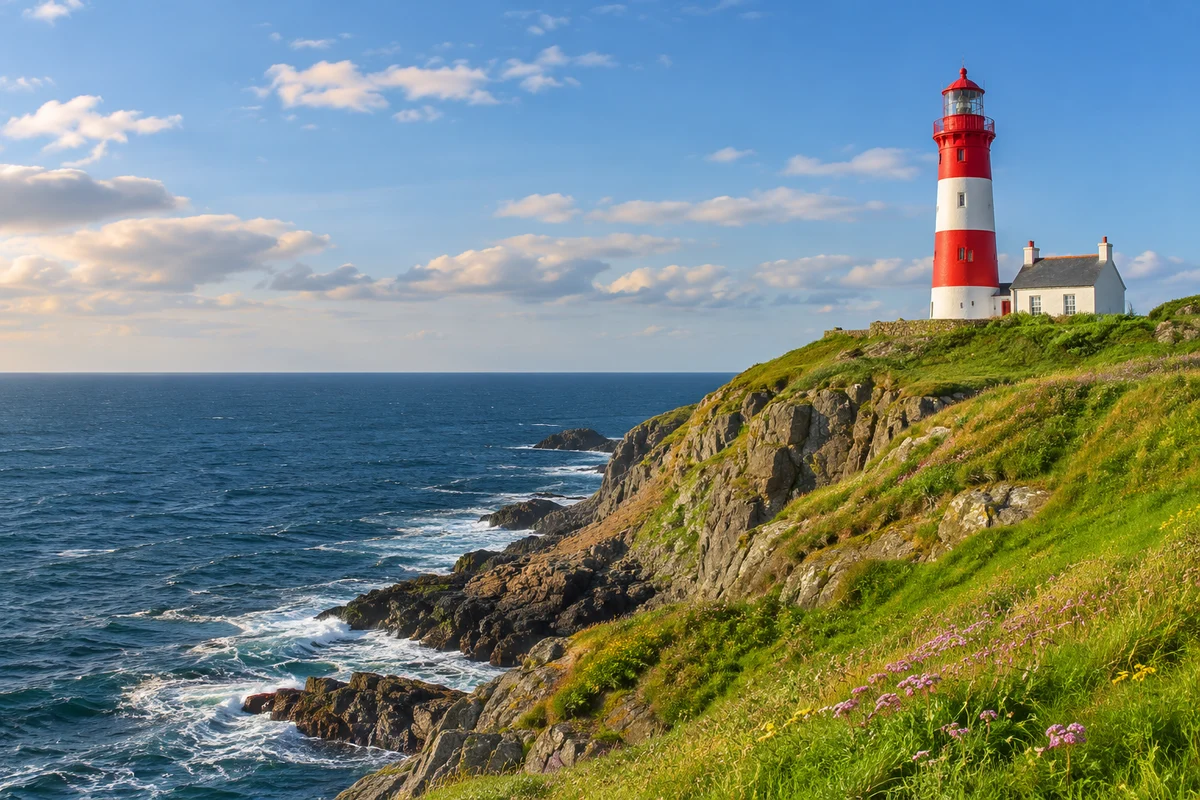
Instagram posts and profile photos.
Takes up more of the Instagram feed.
YouTube thumbnails, slides and banners.
Round avatars with transparent corners.
Frequently asked questions
How do I crop to an exact size?
Pick a ratio, then turn on "Also resize output" and enter the width, for example 1080 for a 1080 × 1080 square.
Can I crop without a fixed ratio?
Yes. Choose Free and drag any edge or corner.
How do I make a circle profile picture?
Choose Circle under Shape. The corners become transparent and the image is saved as PNG.
Does cropping reduce quality?
No. Cropping keeps the original pixels in the selected area. Only enlarging the output can soften it.
Are my images uploaded?
No. Everything happens in your browser.
Need more than a quick edit?
Remove or replace the background, restyle a photo, or extend it past its edges with a simple text prompt using the Nano Banana AI image editor. New users get free credits.