Lowest cost in the studio.
At 3 credits for 1K and 4 credits for 2K, Nano Banana 2 costs half the credits of 2.1 per draft. On the Basic plan's 100 monthly credits, that's 33 explorations at 1K before you commit to a single flagship render.
The everyday Nano Banana — fast generations and the lowest credit cost in the studio. Draft ideas, spin up variations, and only spend flagship credits when a shot deserves it.
10 free credits on sign-up · No card required · From 3 credits per image

Tell Nano Banana what to keep and what to change. No professional photo editing skills needed.
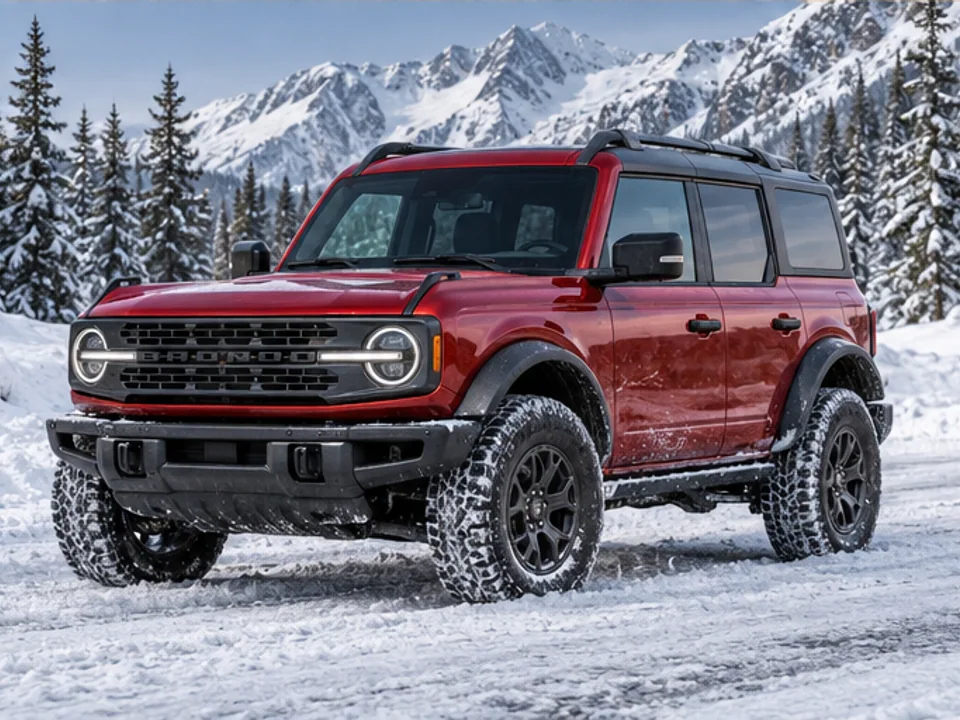
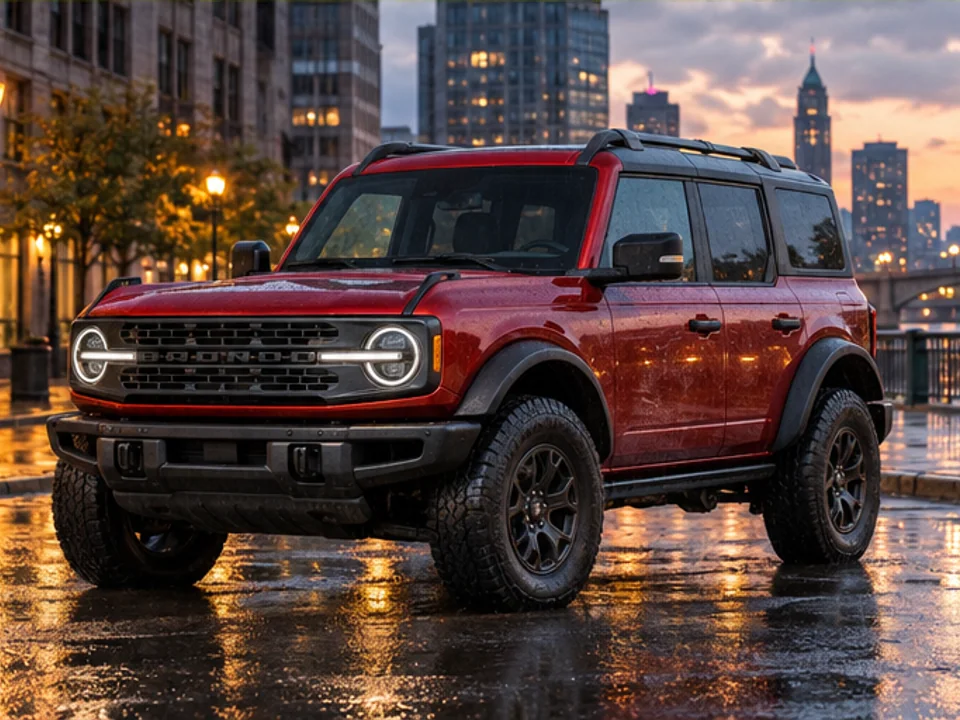
 Before
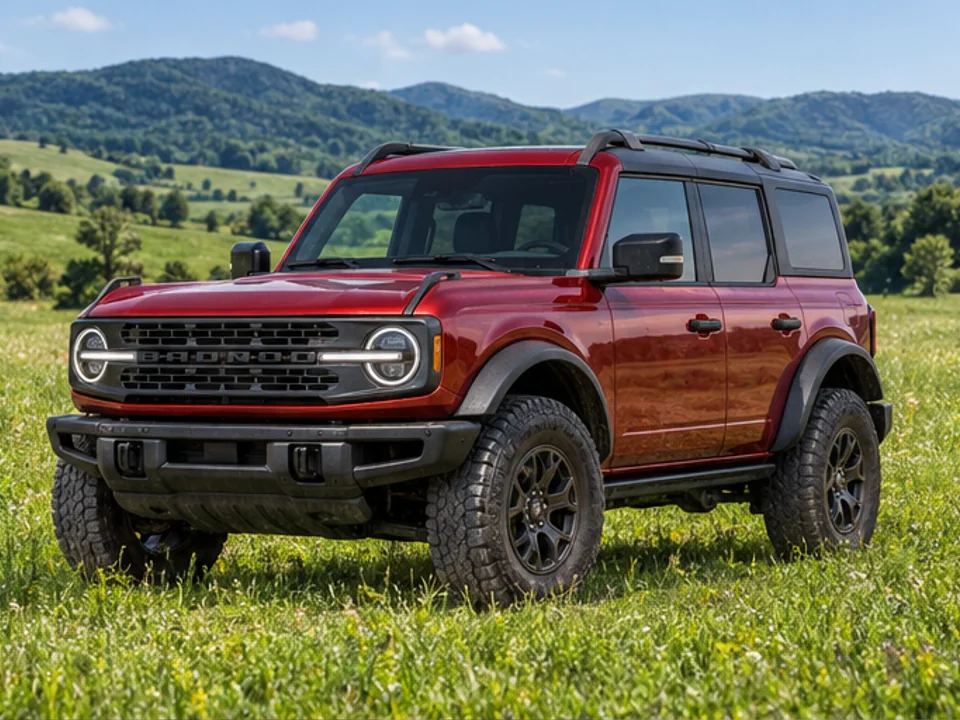
Move the SUV to a green meadow
| Official name | Gemini 3.1 Flash Image |
|---|---|
| Developer | |
| Released | |
| Modes | Text to image, image to image (editing) |
| Resolution | 1K / 2K / 4K |
| Credits per image | 3 / 4 / 8 |
| Reference images | 4 |
| Best for | Fast, low-cost drafts, social content and quick variations |
At 3 credits for 1K and 4 credits for 2K, Nano Banana 2 costs half the credits of 2.1 per draft. On the Basic plan's 100 monthly credits, that's 33 explorations at 1K before you commit to a single flagship render.
Social posts, story frames, avatar sets, thumbnail options — work where you need ten good candidates, not one perfect render. Generate wide, pick the winner, upscale the workflow to 2.1 or Pro only for the final.
Same editor as the flagships: text-to-image and image-to-image, up to 4 reference images for subject consistency, natural-language editing turns, and 1K/2K/4K output when a draft turns into a keeper.
Start on Nano Banana 2 → refine composition → re-render the winner on Nano Banana 2.1 for native 4K and sharper text, or on Pro for the cinematic look. Your prompts and references carry over unchanged.
in the model selector above.
— subject, environment, lighting. Add quotation marks around any text you want rendered.
At 3 credits each, don't settle for the first roll — spin 3–5 and compare.
Download it as-is, or open it in Image to Image on 2.1/Pro for the final high-resolution pass.
Generate AI images and videos with subscription credits or credit packs. They share one credit balance; image costs vary by model and resolution, while video costs vary by model and duration. New users get 10 free trial credits.
Cancel anytime
For individuals & casual creators
Ideal for personal projects & starters
For professional creators & teams
Most popular choice for professional creators
Designed for studios & enterprise scale
Enterprise solution for highest productivity
3 credits at 1K, 4 credits at 2K, and 8 credits at 4K — the lowest rates in the studio. New users receive 10 free trial credits on sign-up, no card required.
Drafting and volume: exploring compositions, generating variations, social content, avatars, and mockups. When a concept proves itself, re-render it on Nano Banana 2.1 or Pro for the final pass.
2.1 adds native 4K rendering, spatial-reasoning layout planning, sharper in-image text, and search grounding. Pro adds its cinematic, portrait-first rendering style. The prompt and references you used on Nano Banana 2 work unchanged on both.
Up to 4 per generation, the same as the flagship models — enough to lock a face, a product, or a style across a set.
No. Nano Banana 2 is the newer generation of the family; the original Nano Banana (v1) is also available in the studio's model selector if you need it.
Yes. Sign up and spend your 10 free credits here first — at 3 credits per 1K image, the trial goes furthest on Nano Banana 2.
Find the right model for your next creation and keep your ideas moving.