Modèles photo Ghostface IA

Créez une image IA d'Halloween à partir de l'un des 11 modèles photo inspirés de Ghostface. Choisissez une scène pour ouvrir le générateur d'images avec un portrait de départ original et le prompt correspondant déjà chargés, puis vérifiez-les ou personnalisez-les avant de générer.

Choisissez une scène
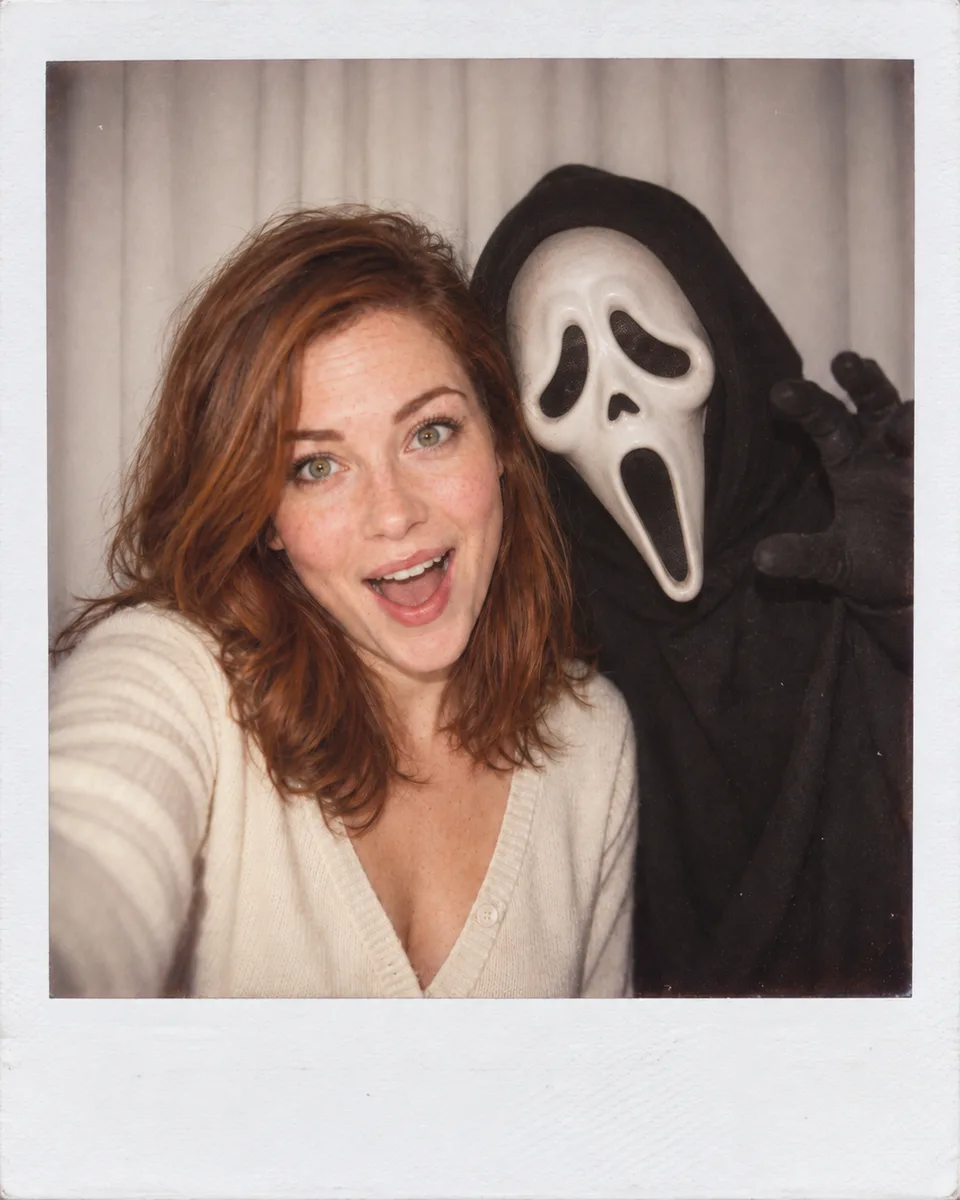
Polaroid-Style Portrait · Vintage & Retro · Halloween AI Photo · AI Image Generator
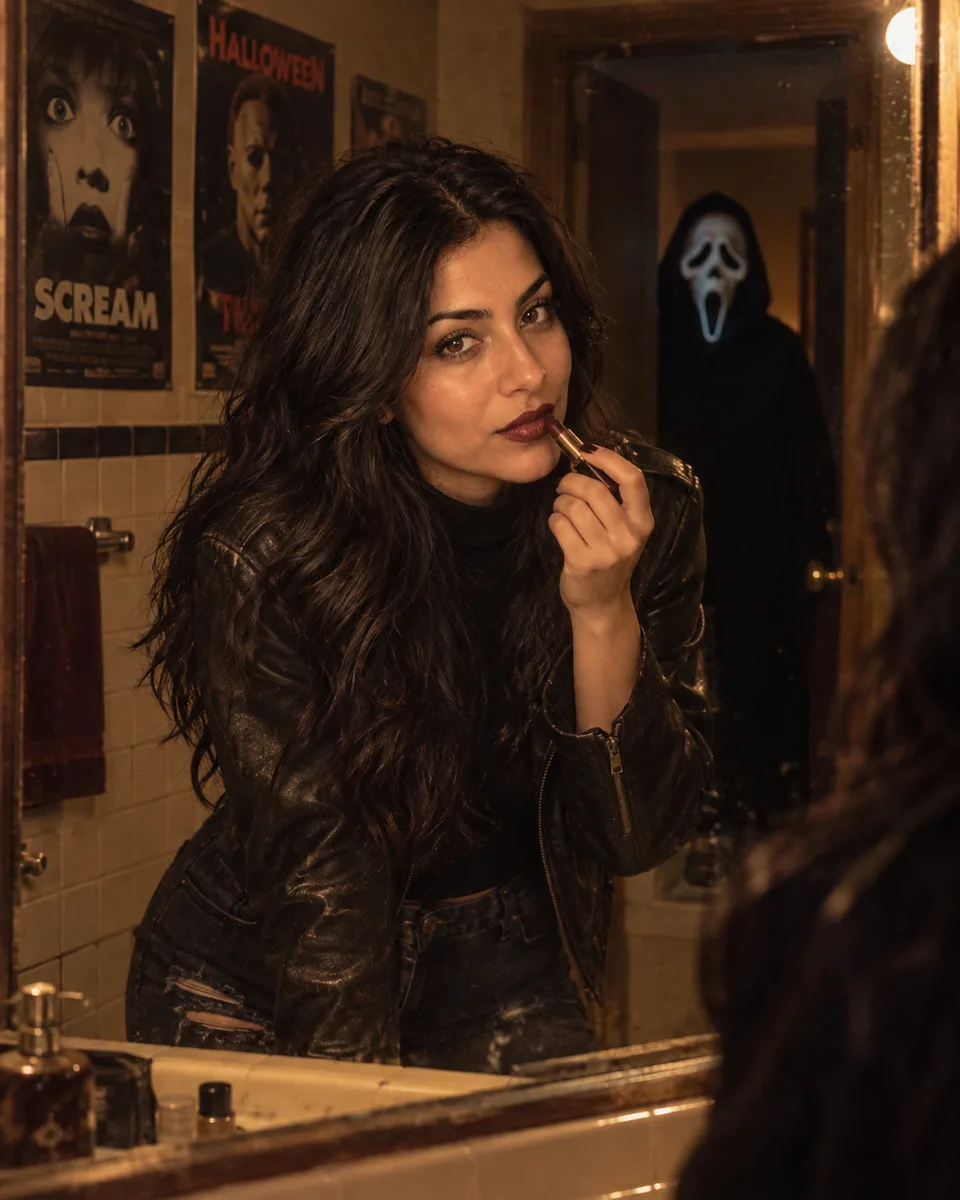
Retro Bathroom · Dark Glamour · Halloween AI Photo · AI Image Generator
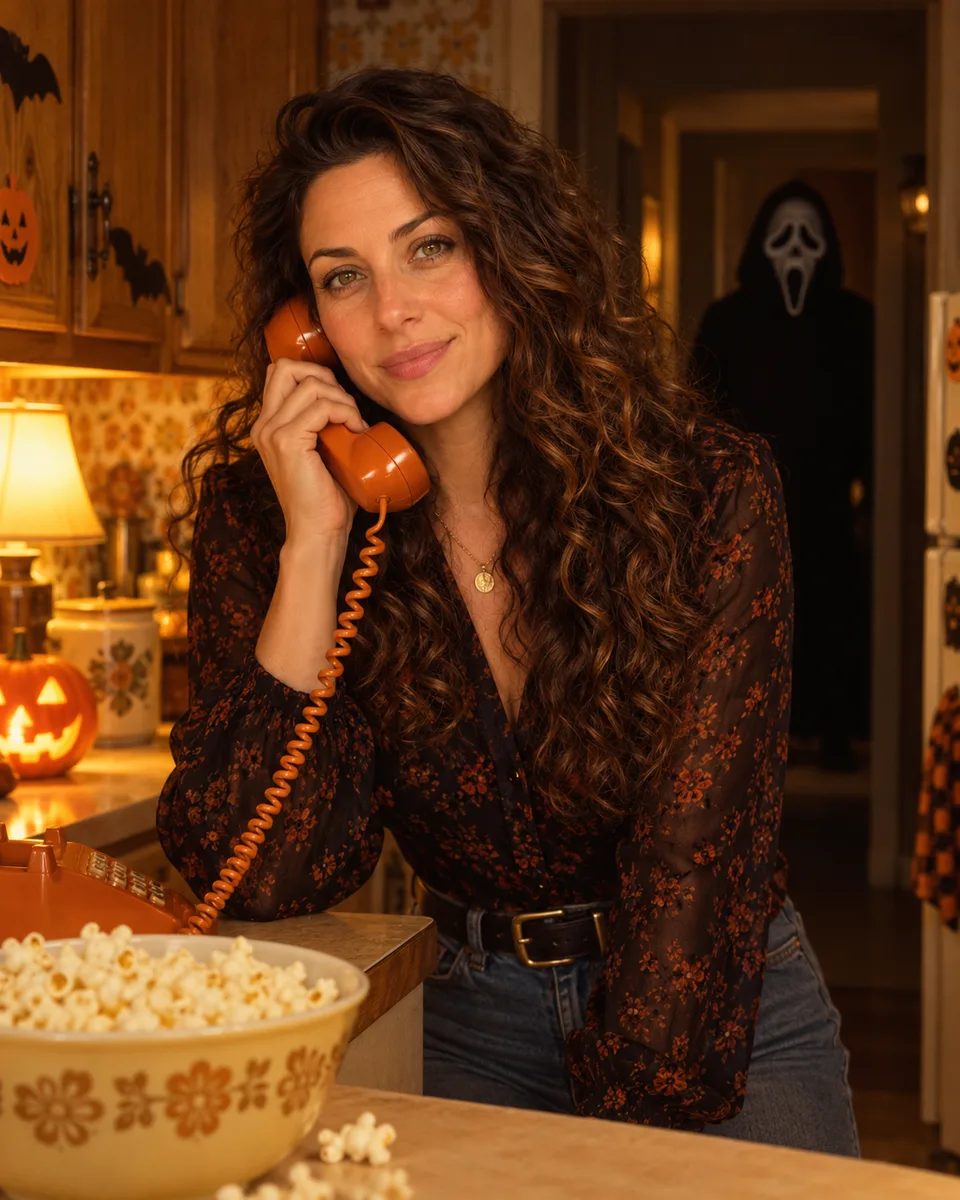
Vintage Halloween Kitchen · Nostalgic Atmosphere · Halloween AI Photo · AI Image Generator

Choisissez une scène

11 modèles
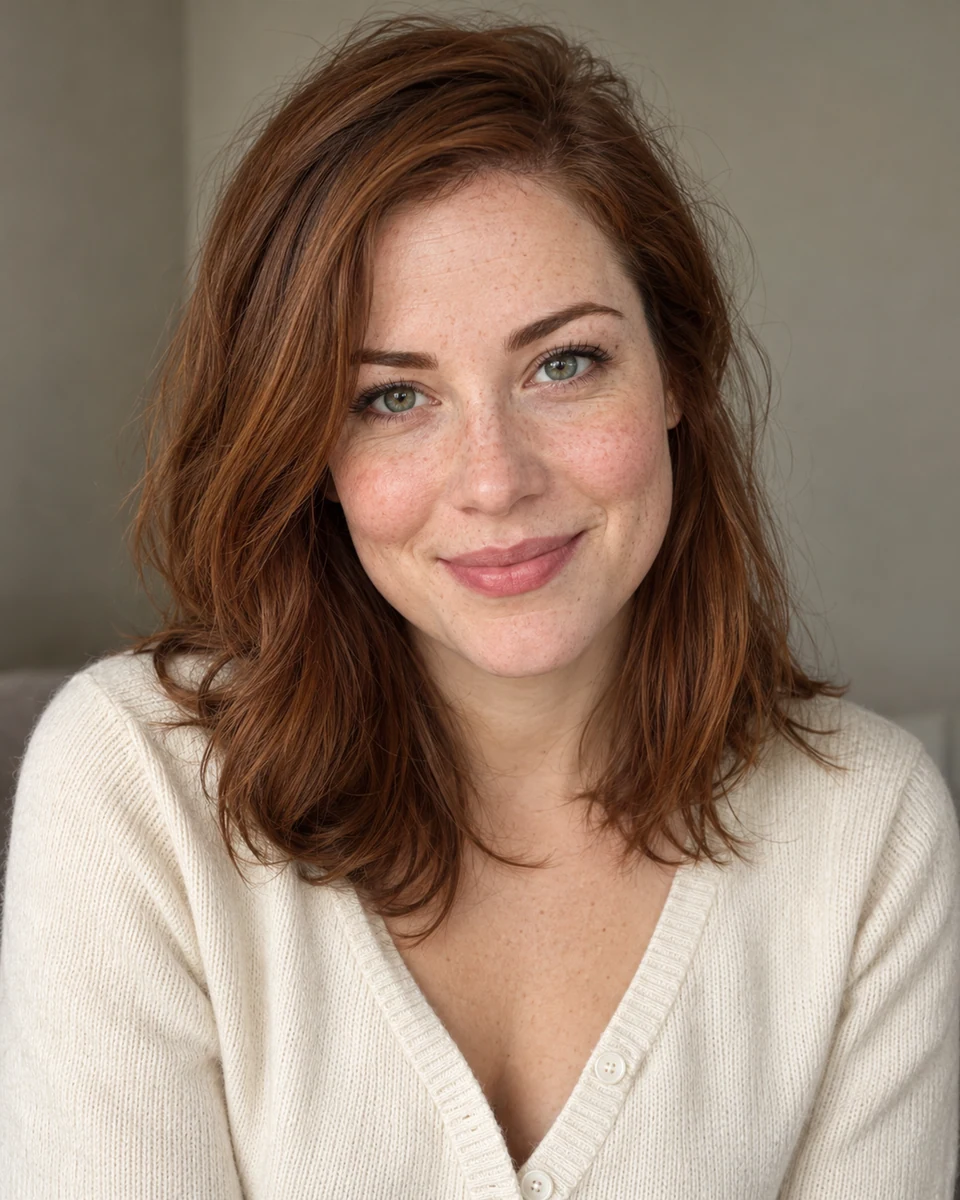
Polaroid-Style Portrait · Vintage & Retro · Halloween AI Photo · AI Image GeneratorOriginal portrait before Halloween AI Photo generation · AI Image GeneratorAVANTAPRÈS

Polaroid-Style Portrait · Vintage & Retro

PROMPT

Use the uploaded reference photo as the main subject. Preserve the person's identity and recognizable facial features unless the prompt explicitly asks for a transformation. Keep the masked figure consistent across scenes: a black hood framing a pale elongated face, drooping black eye sockets, a small triangular nose opening, and a long vertically open black mouth. Create a candid instant-camera photo with a slight blur and even direct-flash lighting, as if taken in a dark room. Replace the background with a simple white curtain. The subject poses beside a person wearing an original white ghost mask and black robe; the masked person stands behind with one hand playfully near the subject's shoulder. The subject looks surprised, creating an eerie but humorous mood. Do not retouch the subject's face. Add a subtle vintage Polaroid frame.
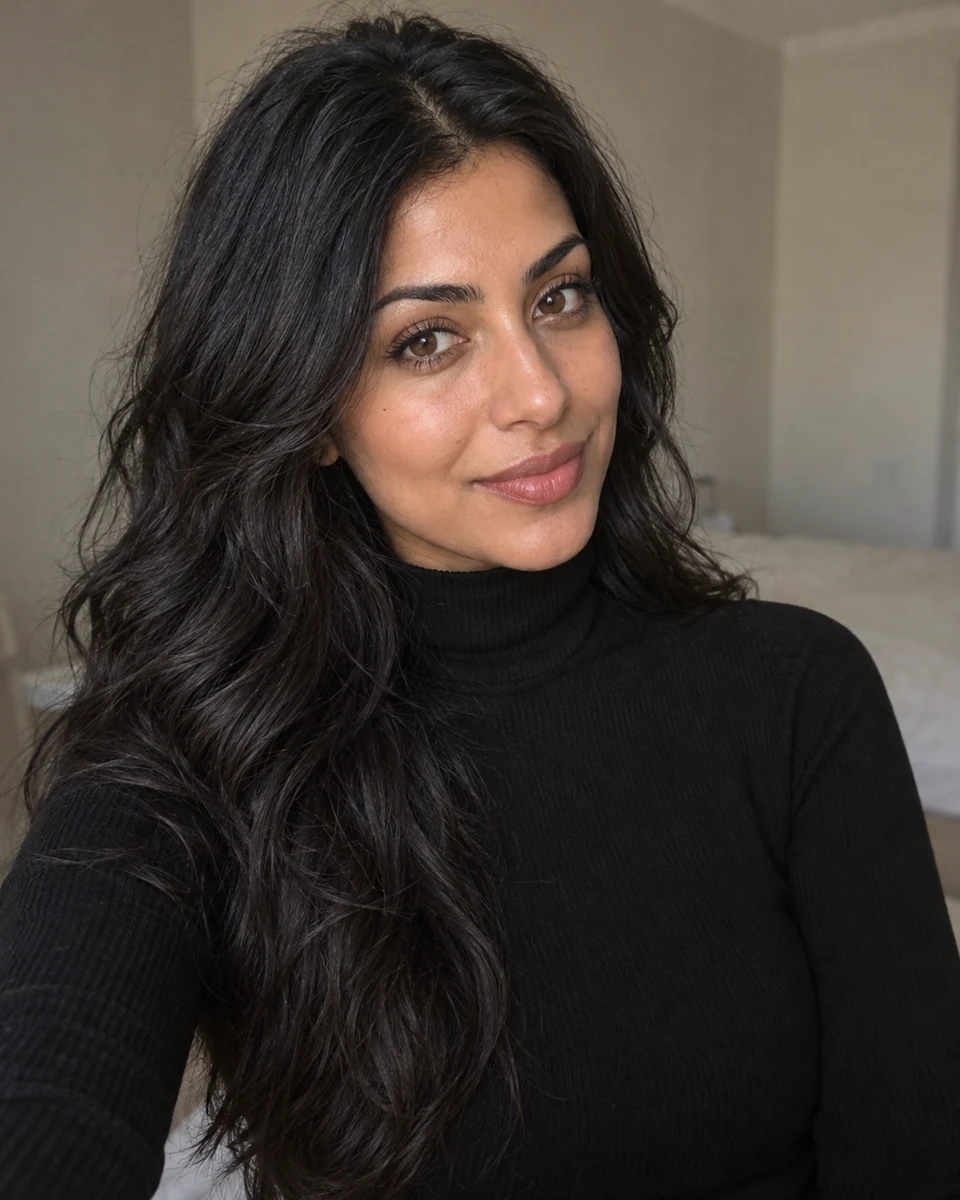
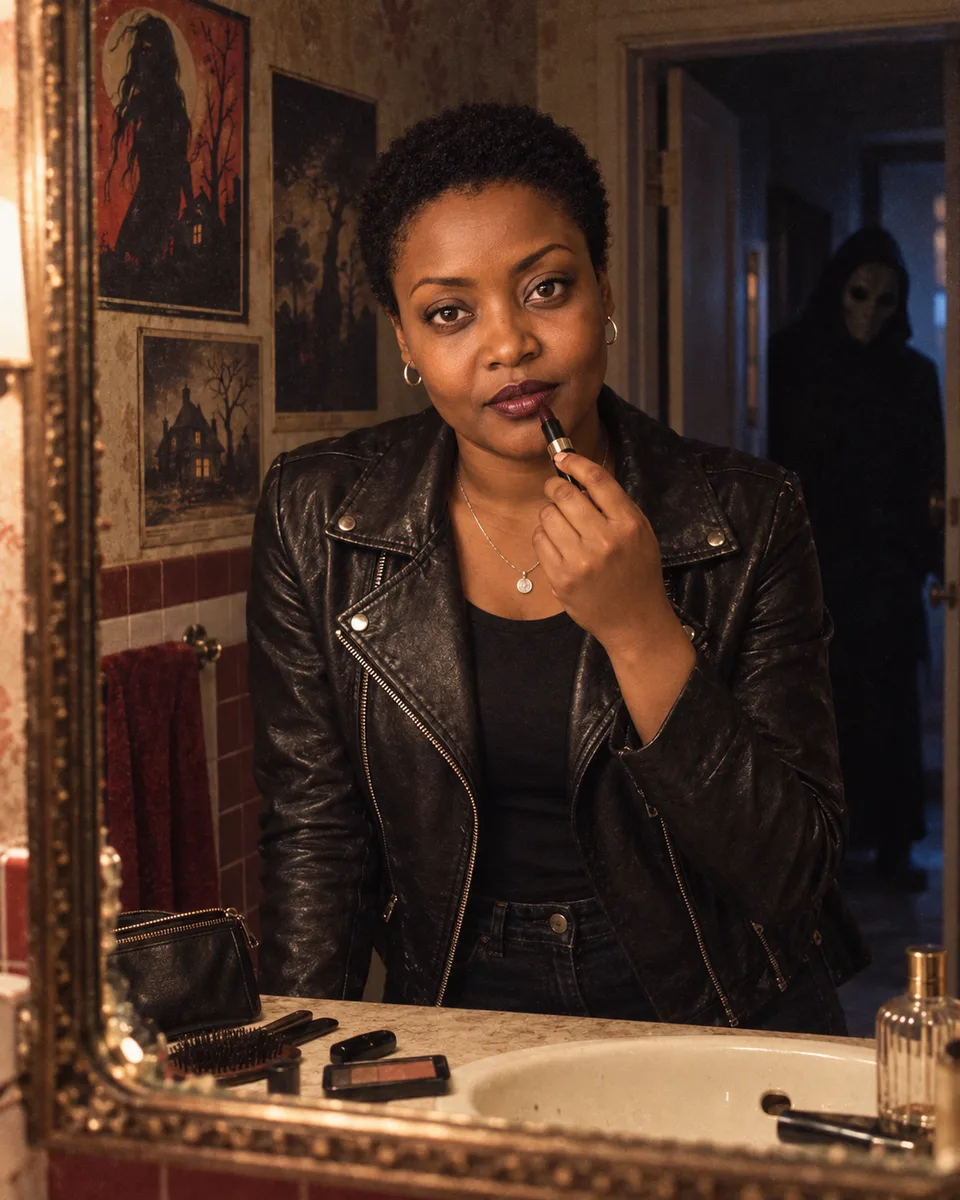
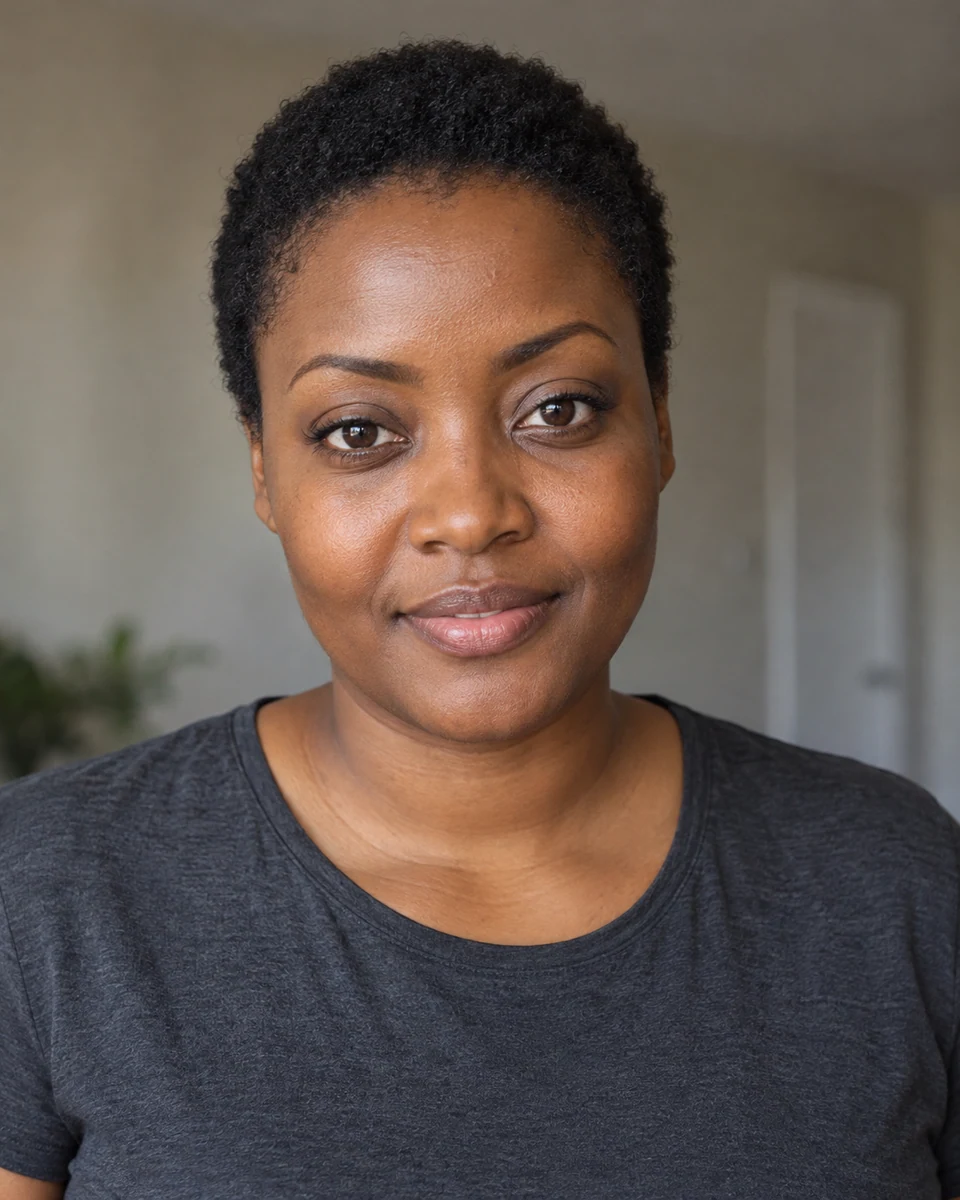
Retro Bathroom · Dark Glamour · Halloween AI Photo · AI Image GeneratorOriginal portrait before Halloween AI Photo generation · AI Image GeneratorAVANTAPRÈS

Retro Bathroom · Dark Glamour

PROMPT

Use the uploaded reference photo as the main subject. Preserve the person's identity and recognizable facial features unless the prompt explicitly asks for a transformation. Keep the masked figure consistent across scenes: a black hood framing a pale elongated face, drooping black eye sockets, a small triangular nose opening, and a long vertically open black mouth. Create a grungy fashion portrait of the subject posing in front of a retro bathroom mirror while applying dark lipstick. Style the subject in a black shirt, dark distressed jeans, an oversized black leather jacket, delicate silver necklaces, and chunky silver rings. Keep the subject's facial features unchanged. Add scattered makeup on the counter and vintage horror posters on the walls. A dimly lit figure wearing an original pale ghost mask stands behind the subject in the doorway of a dark hallway. Use a grainy 1990s film style and an ominous background.

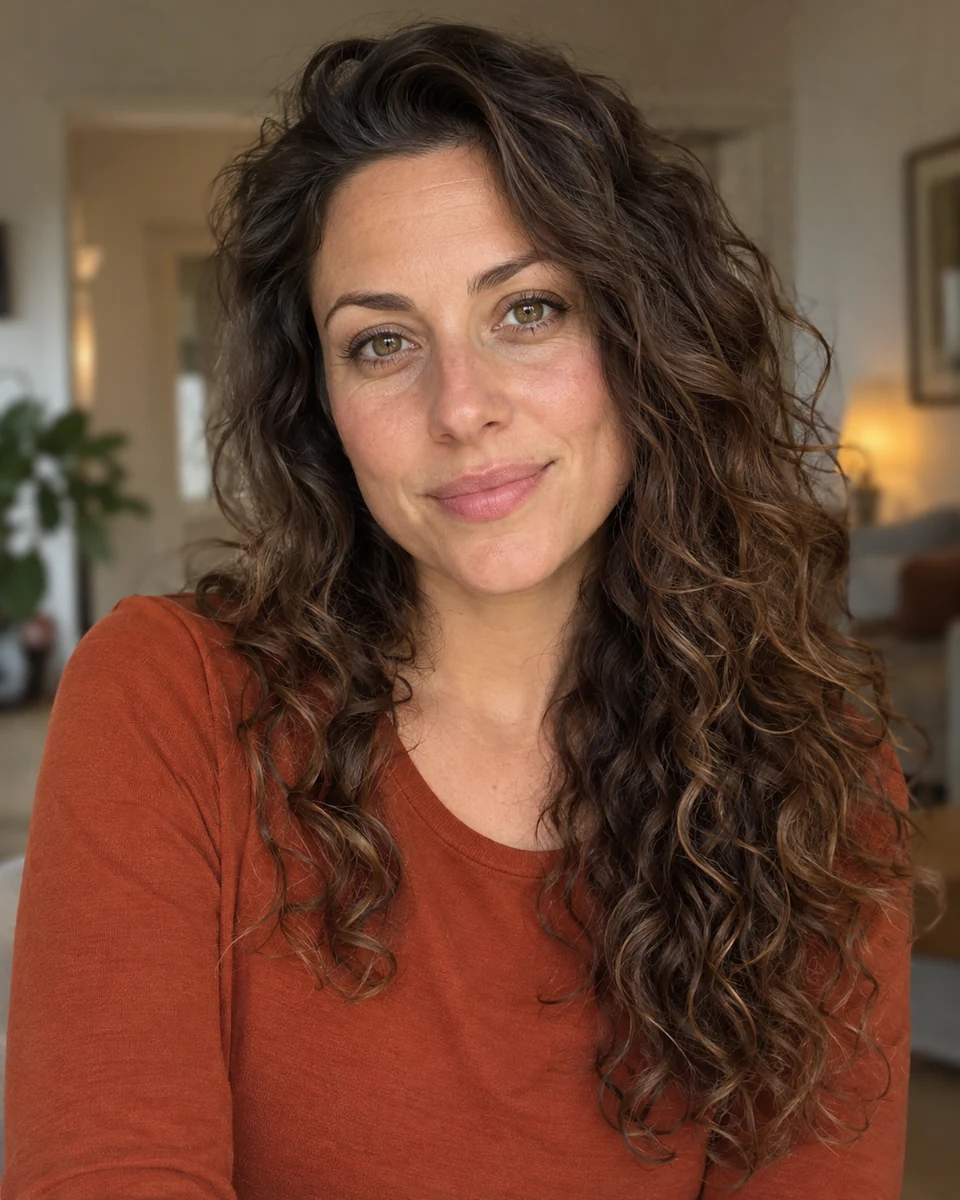
Vintage Halloween Kitchen · Nostalgic Atmosphere · Halloween AI Photo · AI Image GeneratorOriginal portrait before Halloween AI Photo generation · AI Image GeneratorAVANTAPRÈS

Vintage Halloween Kitchen · Nostalgic Atmosphere

PROMPT

Use the uploaded reference photo as the main subject. Preserve the person's identity and recognizable facial features unless the prompt explicitly asks for a transformation. Keep the masked figure consistent across scenes: a black hood framing a pale elongated face, drooping black eye sockets, a small triangular nose opening, and a long vertically open black mouth. Create a dreamy Y2K-style photo of the subject standing in a 1970s kitchen decorated for vintage Halloween. A retro TV sits in the background as the subject holds an orange 1990s corded phone, daydreaming, with loose curls and gold hair clips. Add delicate gold necklaces, rings, and accessories. Use dark wood, avocado green, and orange decor with 1980s Halloween decorations. Place a newspaper, pumpkin-carving tools, pumpkin pieces, two spooky jack-o'-lanterns, and a bowl of popcorn on the counter. Use soft glam makeup, a grainy dimly lit nighttime look, and a masked figure watching from the dark hallway. Preserve the subject's face and features.

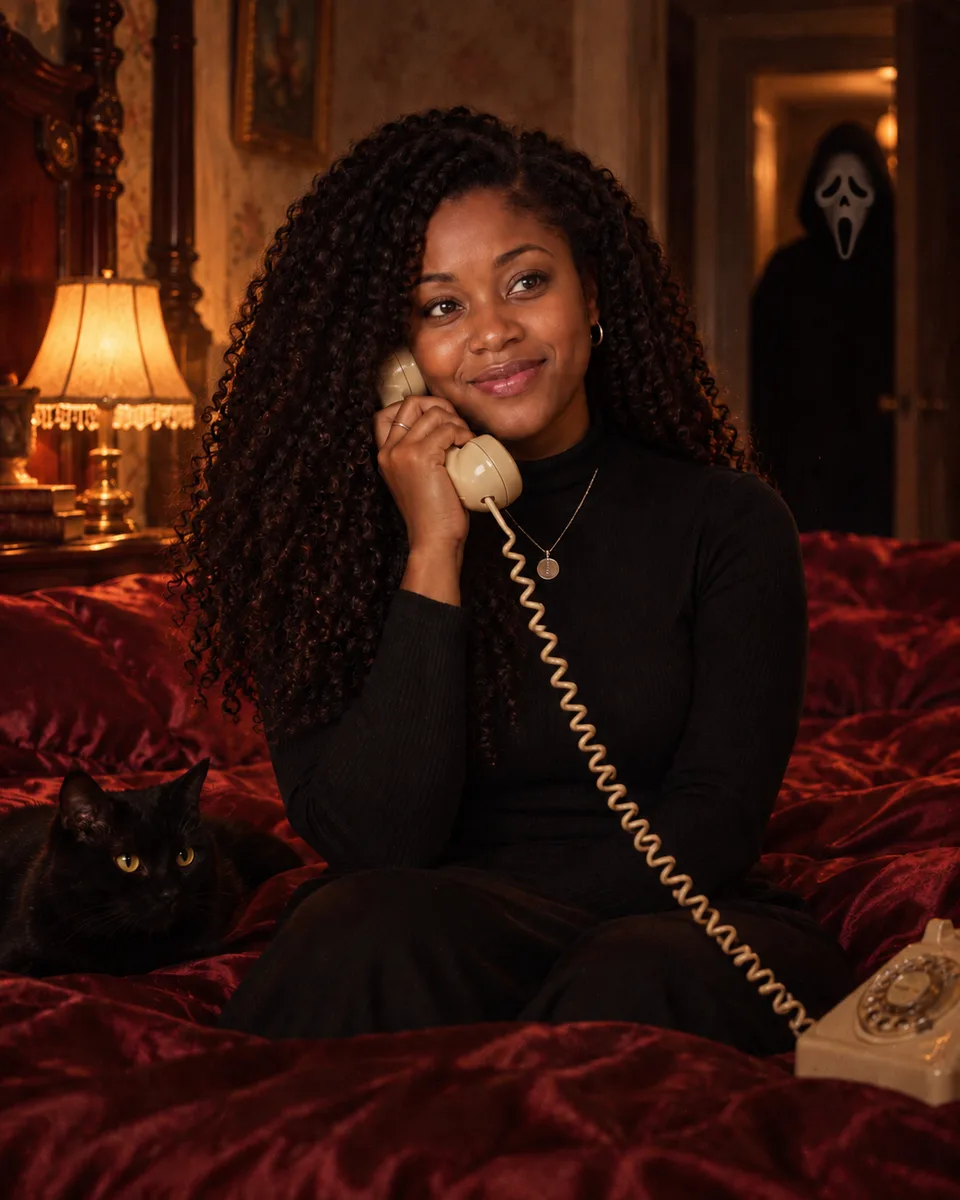
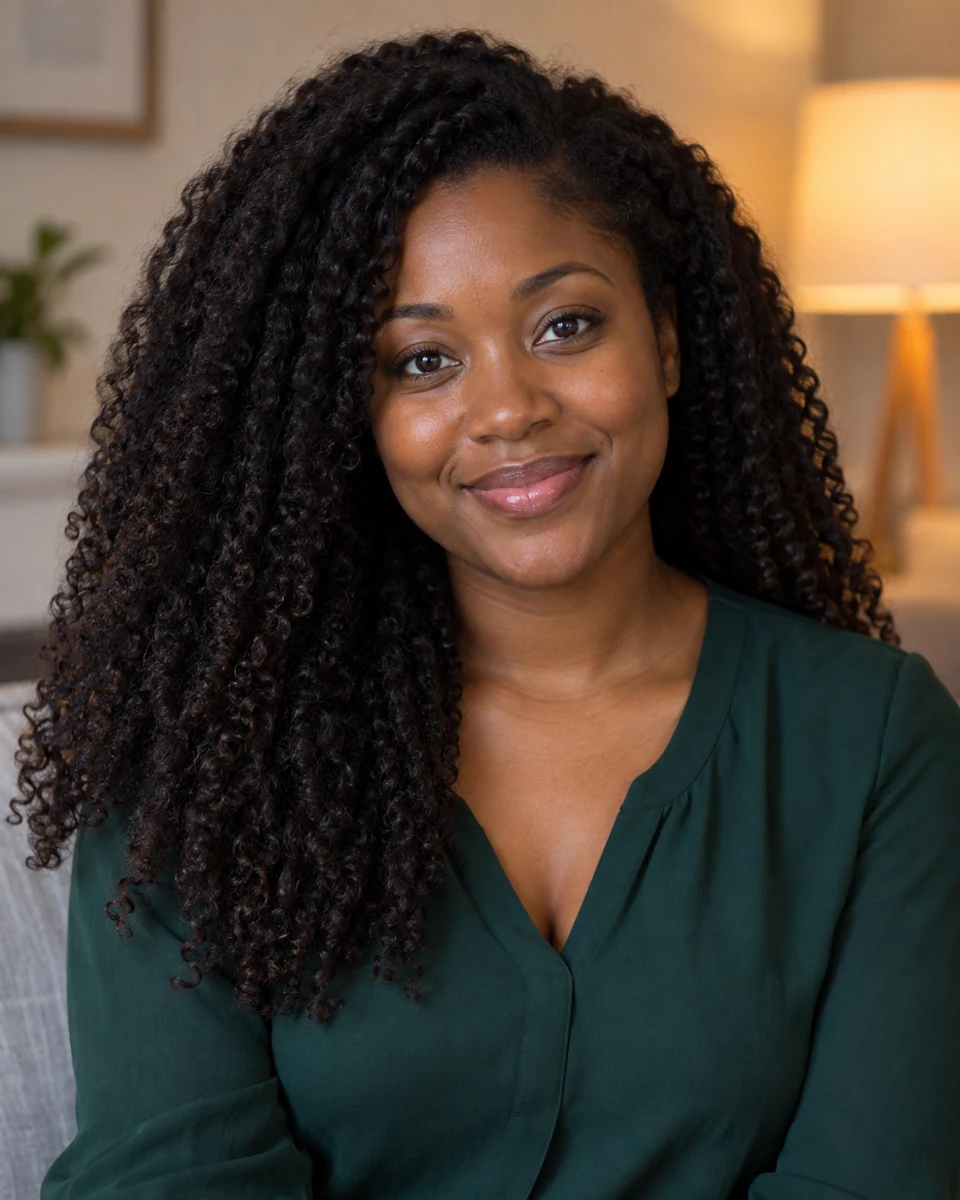
Satin Bedroom Scene · Vintage Seductive Aesthetic · Halloween AI Photo · AI Image GeneratorOriginal portrait before Halloween AI Photo generation · AI Image GeneratorAVANTAPRÈS

Satin Bedroom Scene · Vintage Seductive Aesthetic

PROMPT

Use the uploaded reference photo as the main subject. Preserve the person's identity and recognizable facial features unless the prompt explicitly asks for a transformation. Keep the masked figure consistent across scenes: a black hood framing a pale elongated face, drooping black eye sockets, a small triangular nose opening, and a long vertically open black mouth. Create a grunge-style portrait of the subject reclining on shiny dark-red satin bedding while holding a black 1990s-style corded phone. Give the scene a relaxed, alluring daydreaming pose. Add loose wavy hair, delicate silver necklaces, rings, and natural glamorous makeup. Make the room dark, glamorous, and vintage, with a grainy 1990s look and dim firelike light at night. Place a fluffy black cat and 1990s magazines nearby. A dimly lit figure in an original ghost mask watches from the room. Keep the background slightly dark and ominous.

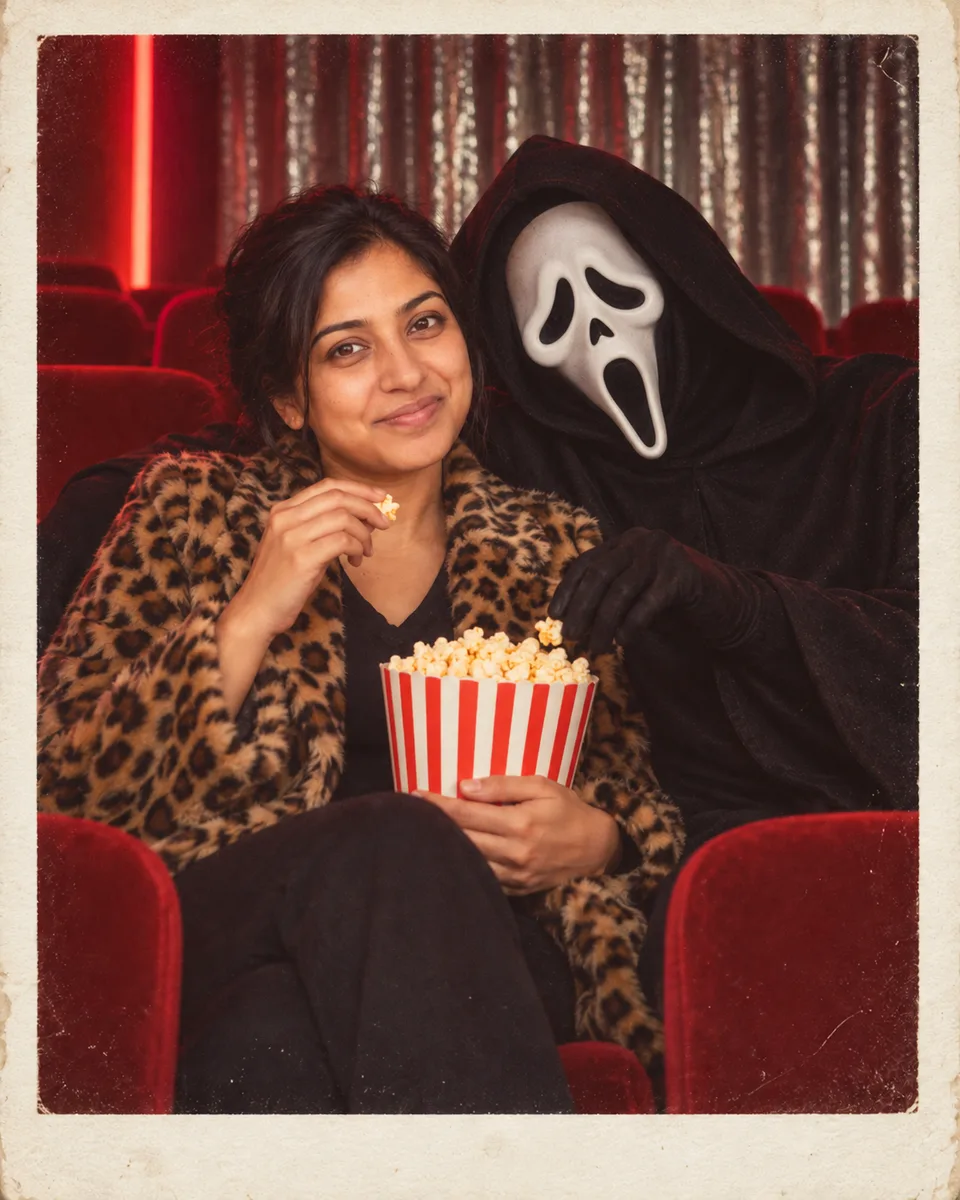
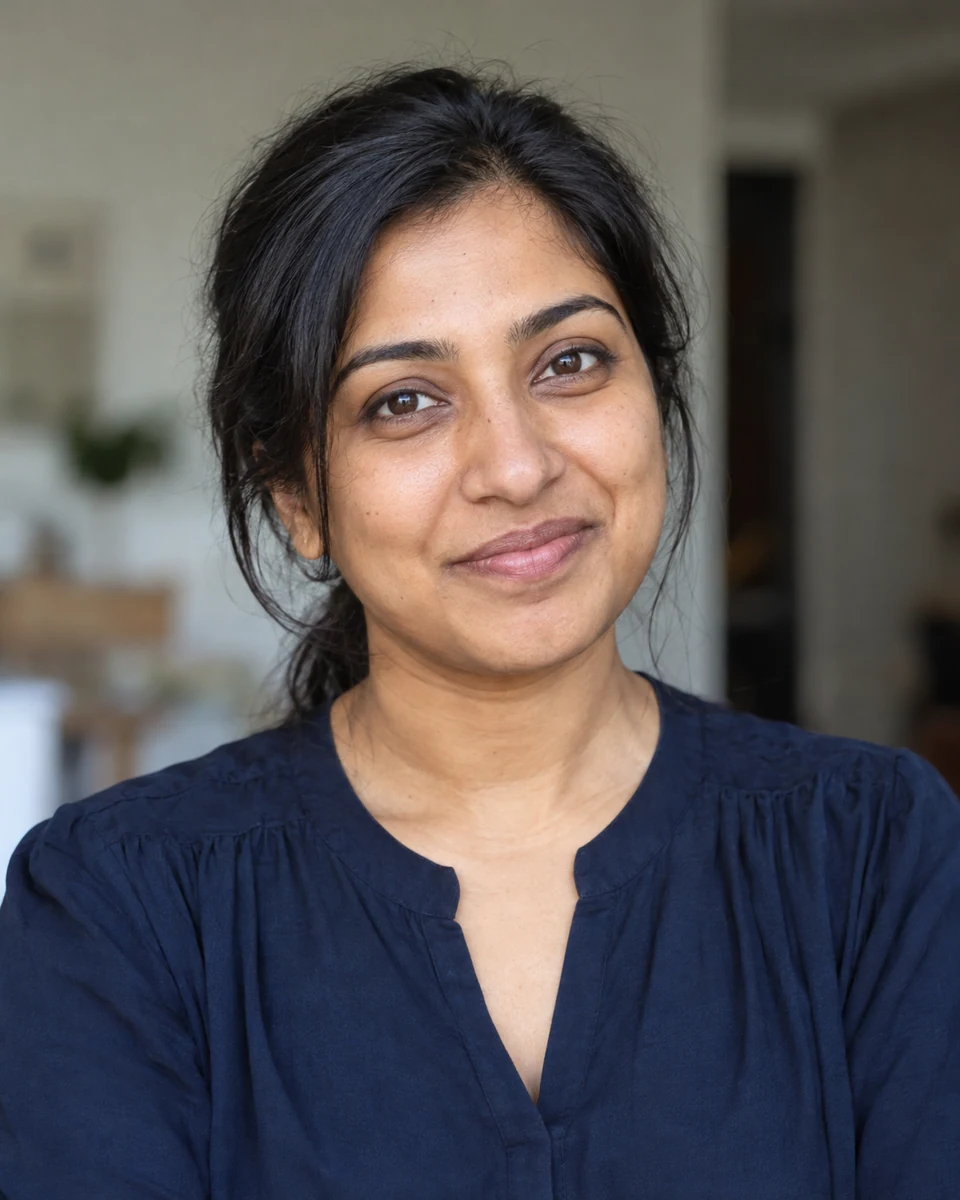
Retro Movie Theater · Playful Yet Creepy · Halloween AI Photo · AI Image GeneratorOriginal portrait before Halloween AI Photo generation · AI Image GeneratorAVANTAPRÈS

Retro Movie Theater · Playful Yet Creepy

PROMPT

Use the uploaded reference photo as the main subject. Preserve the person's identity and recognizable facial features unless the prompt explicitly asks for a transformation. Keep the masked figure consistent across scenes: a black hood framing a pale elongated face, drooping black eye sockets, a small triangular nose opening, and a long vertically open black mouth. Create a retro movie-theater photo: the subject wears a leopard-print faux-fur coat, black stockings, and red heels, sitting beside a mysterious figure in an original pale ghost mask and black robe in red theater seats. They are both holding popcorn. Add a silver sequin curtain and a glowing red neon sign in the background. Use cinematic dark lighting and a playful-but-creepy mood. Frame it like a Polaroid with a small 'DEC 24 '98' date stamp.

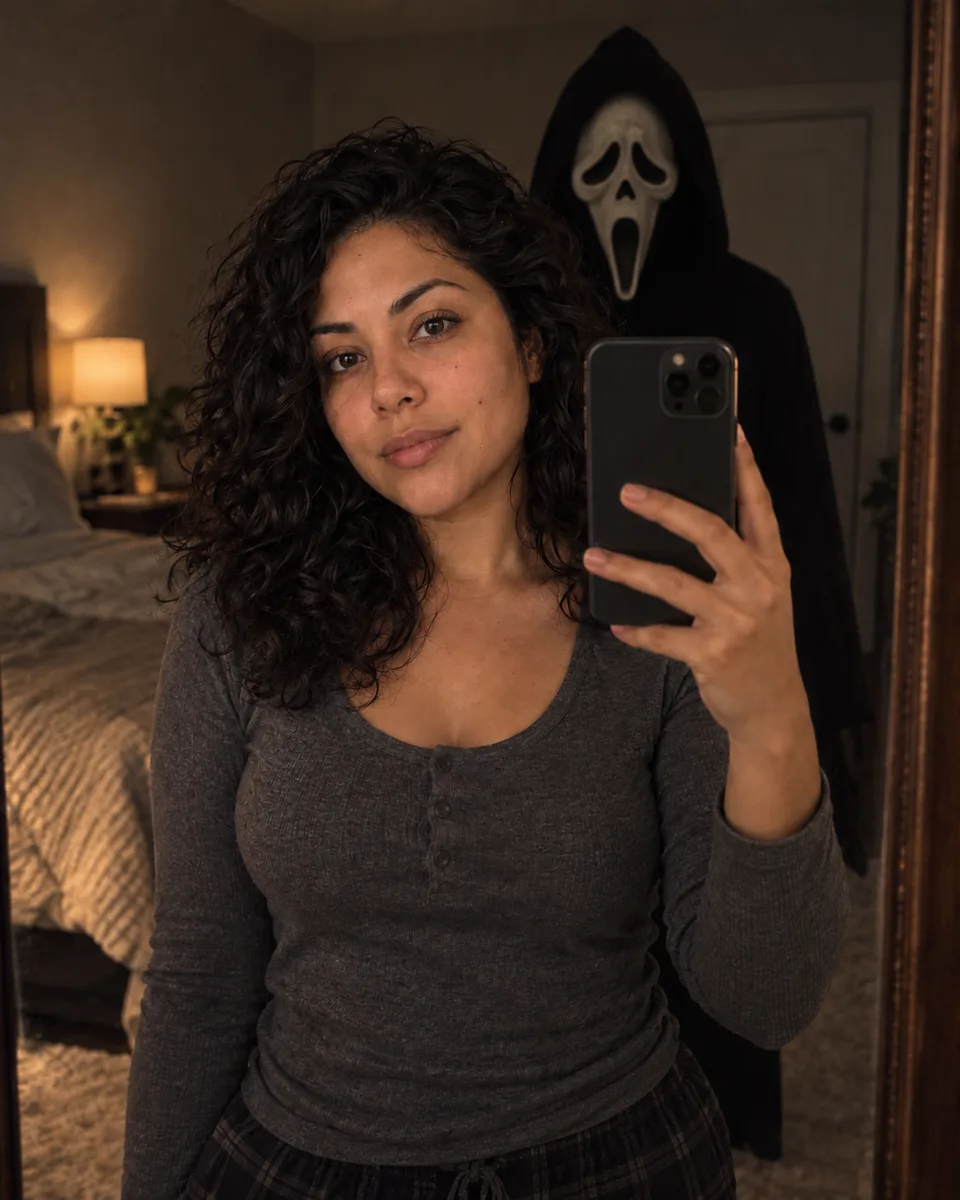
Mirror Reflection Scare · Creepy Suspense · Halloween AI Photo · AI Image GeneratorOriginal portrait before Halloween AI Photo generation · AI Image GeneratorAVANTAPRÈS

Mirror Reflection Scare · Creepy Suspense

PROMPT

Use the uploaded reference photo as the main subject. Preserve the person's identity and recognizable facial features unless the prompt explicitly asks for a transformation. Keep the masked figure consistent across scenes: a black hood framing a pale elongated face, drooping black eye sockets, a small triangular nose opening, and a long vertically open black mouth. Create a creepy bedroom mirror-selfie photo. In the mirror reflection, an original figure wearing a pale ghost mask stands right behind the subject, the mask catching a faint glow in dim light. Use realistic shadows, a dark bedroom, and the suspenseful look of a horror movie still.

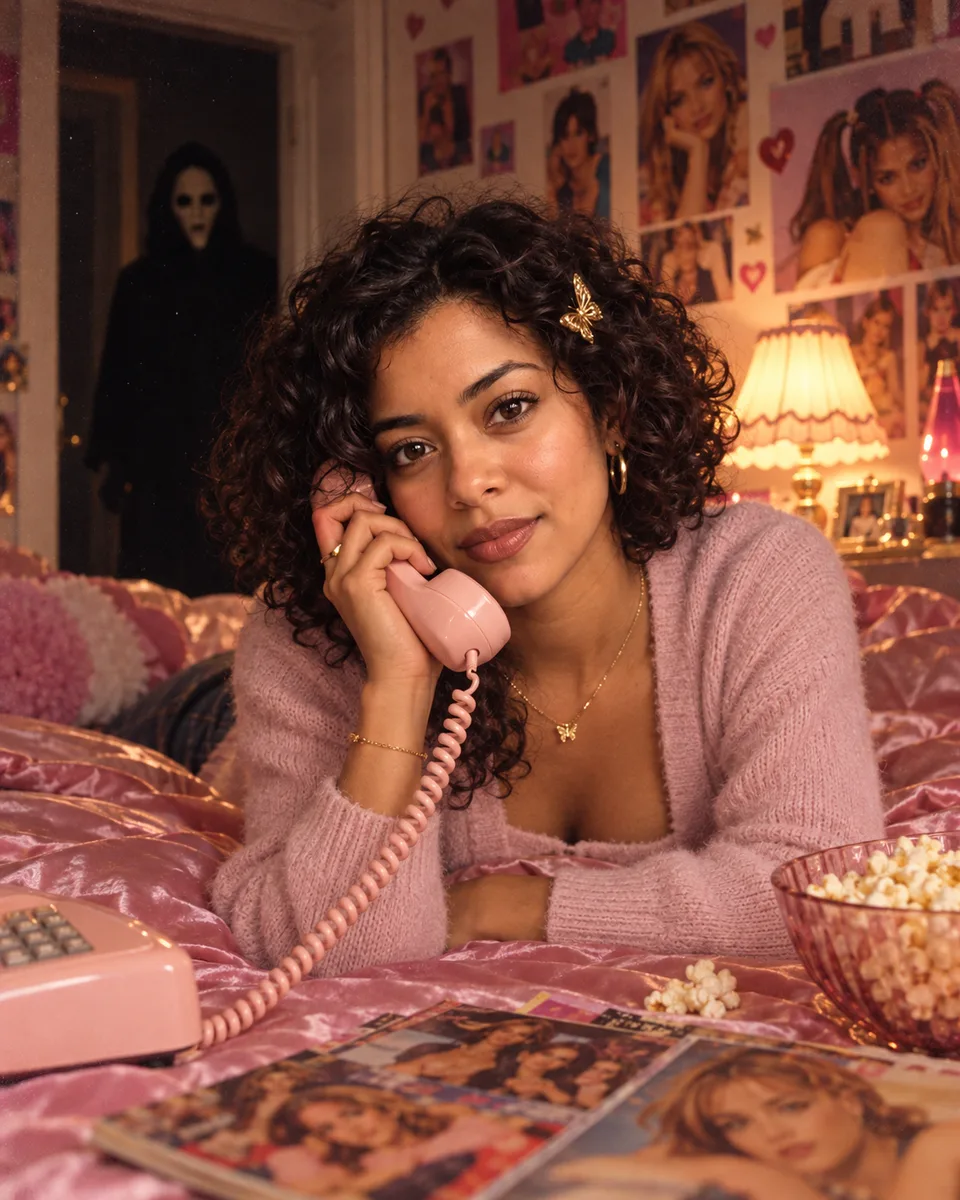
Classic Bedroom Scene · Dreamy Y2K Horror Aesthetic · Halloween AI Photo · AI Image GeneratorOriginal portrait before Halloween AI Photo generation · AI Image GeneratorAVANTAPRÈS

Classic Bedroom Scene · Dreamy Y2K Horror Aesthetic

PROMPT

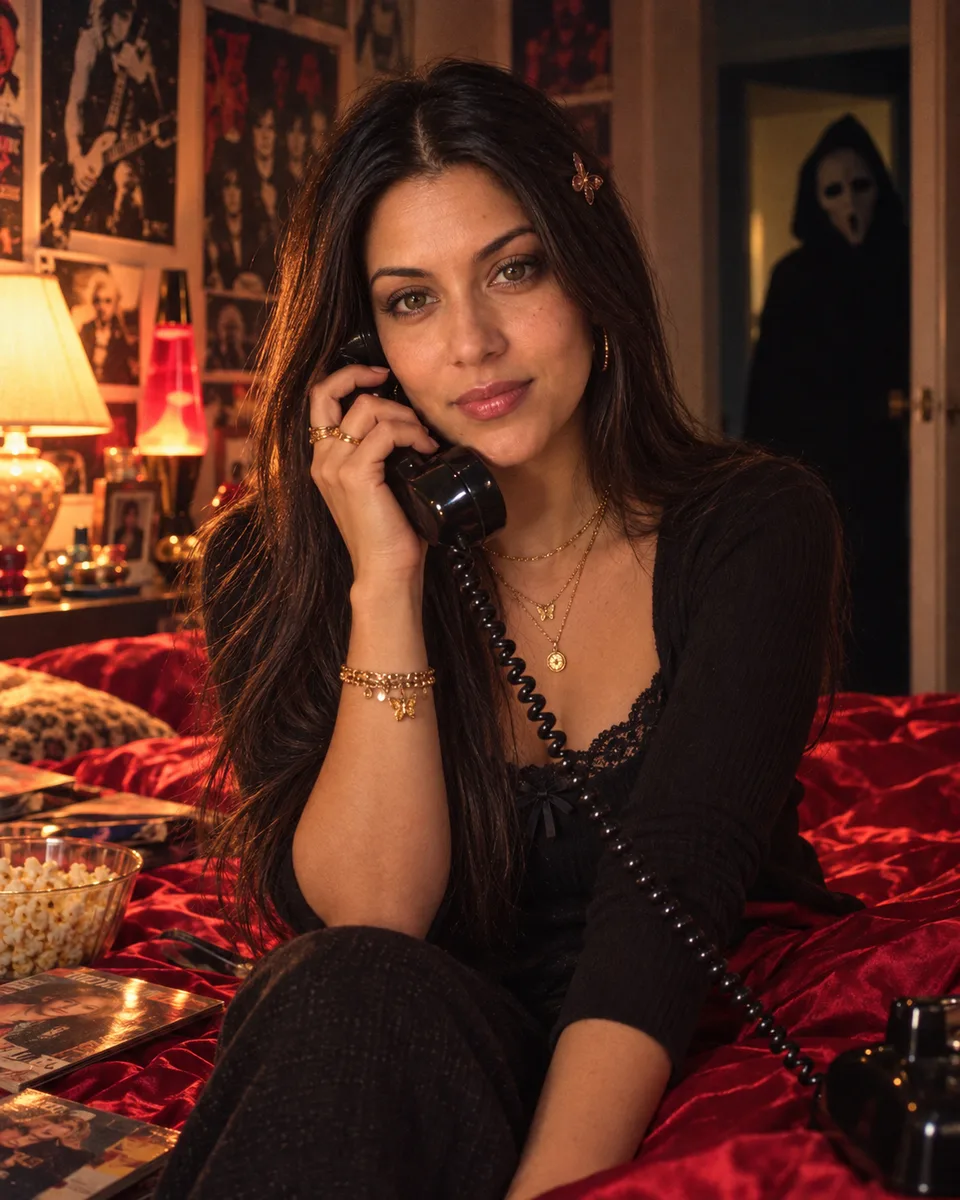
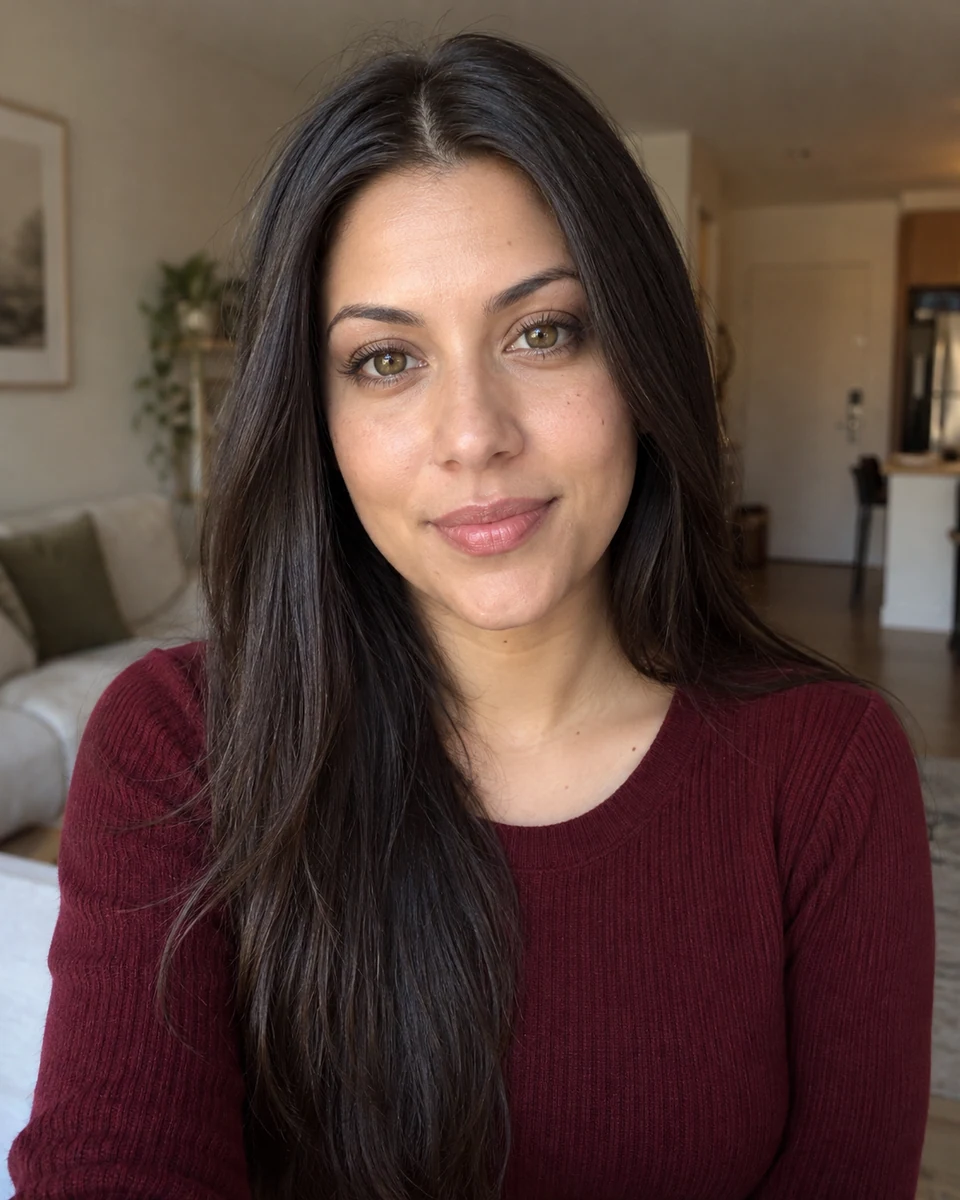
Use the uploaded reference photo as the main subject. Preserve the person's identity and recognizable facial features unless the prompt explicitly asks for a transformation. Keep the masked figure consistent across scenes: a black hood framing a pale elongated face, drooping black eye sockets, a small triangular nose opening, and a long vertically open black mouth. Take a dreamy Y2K photo: the subject is lying on a pink satin bed, clutching a '90s-style corded telephone. A gold butterfly hairpin accents flowing hair. Add delicate gold necklaces and a large gold ring. The room is girly, with '90s-style posters. Use simple elegant makeup with brown lipstick and lip liner. Give the photo a grainy '90s feel with a table-lamp light source in a dim room at night. Add popcorn and '90s magazines nearby. A figure in a ghost mask and black costume stands behind the subject in the doorway of a dark hallway. Keep the overall tone eerie and dreamlike.

Classic Bedroom Scene · Cinematic Y2K Suspense · Halloween AI Photo · AI Image GeneratorOriginal portrait before Halloween AI Photo generation · AI Image GeneratorAVANTAPRÈS

Classic Bedroom Scene · Cinematic Y2K Suspense

PROMPT

Use the uploaded reference photo as the main subject. Preserve the person's identity and recognizable facial features unless the prompt explicitly asks for a transformation. Keep the masked figure consistent across scenes: a black hood framing a pale elongated face, drooping black eye sockets, a small triangular nose opening, and a long vertically open black mouth. Transform the image into a cinematic Y2K photo. The subject lies on a red satin bed, holding a black 1990s-era corded telephone, with an intense, pensive expression. Add a small gold butterfly hair clip, layered gold necklaces, and a large gold ring. A warm desk lamp softly illuminates the room, decorated with retro 1990s rock posters. Place popcorn and vintage magazines nearby. In the doorway of a dark corridor, a figure wearing an original ghostly mask stands silently, partially hidden in shadow. Use grainy low-light 1990s film texture, warm highlights, deep shadows, and an eerie dreamlike atmosphere.

Classic Bedroom Scene · Horror Movie Atmosphere · Halloween AI Photo · AI Image GeneratorOriginal portrait before Halloween AI Photo generation · AI Image GeneratorAVANTAPRÈS

Classic Bedroom Scene · Horror Movie Atmosphere

PROMPT

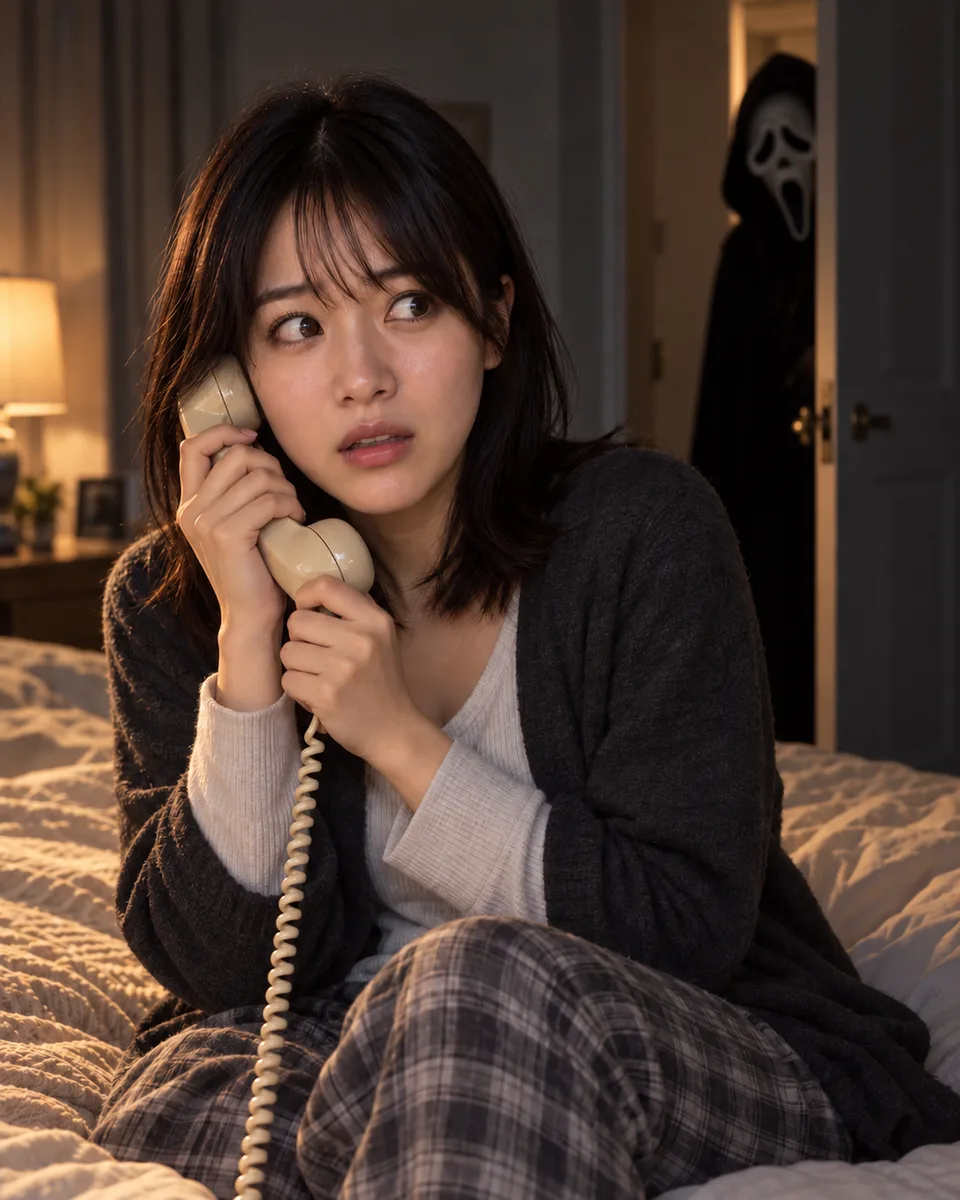
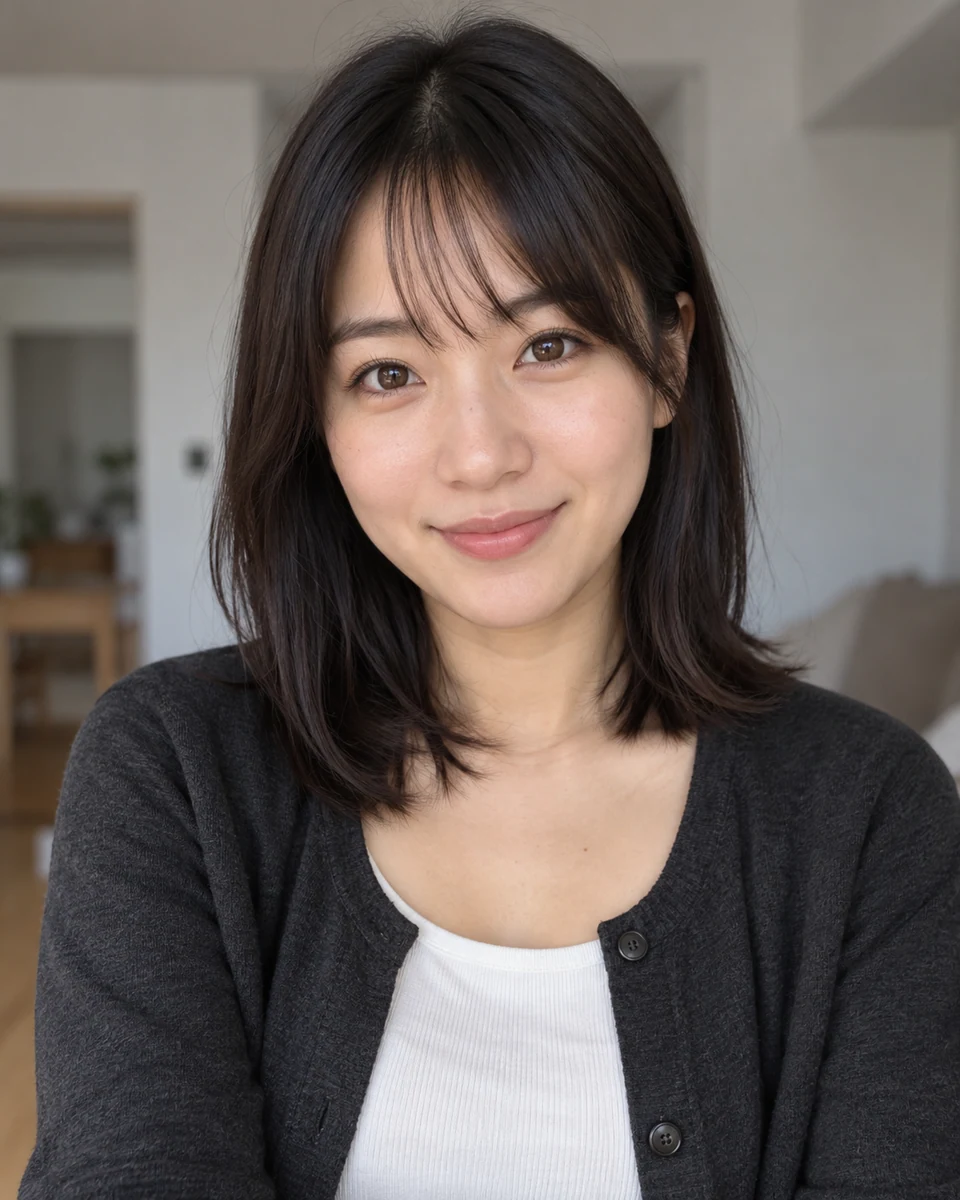
Use the uploaded reference photo as the main subject. Preserve the person's identity and recognizable facial features unless the prompt explicitly asks for a transformation. Keep the masked figure consistent across scenes: a black hood framing a pale elongated face, drooping black eye sockets, a small triangular nose opening, and a long vertically open black mouth. Create a realistic horror-movie photo of the subject sitting on a bed and holding a vintage landline phone, looking nervous. Behind the slightly open bedroom door stands a silent figure wearing an original pale ghost mask and black cloak, partially hidden in shadow. Use cinematic lighting, realistic shadows, and a suspenseful movie-still atmosphere.

Retro Bathroom · Grainy Film Suspense · Halloween AI Photo · AI Image GeneratorOriginal portrait before Halloween AI Photo generation · AI Image GeneratorAVANTAPRÈS

Retro Bathroom · Grainy Film Suspense

PROMPT

Use the uploaded reference photo as the main subject. Preserve the person's identity and recognizable facial features unless the prompt explicitly asks for a transformation. Keep the masked figure consistent across scenes: a black hood framing a pale elongated face, drooping black eye sockets, a small triangular nose opening, and a long vertically open black mouth. Create a grungy portrait of the subject standing in front of a retro bathroom mirror and applying dark lipstick. Give the subject long loose hair, delicate silver necklaces, chunky silver rings, dark distressed jeans, and an oversized black leather jacket. Add scattered makeup items and vintage horror posters on the bathroom walls. In the dim doorway behind the subject, a faintly illuminated figure in an original pale ghost mask watches from the dark hallway. Use a grainy 1990s film look, glamorous dark makeup, and an ominous background.

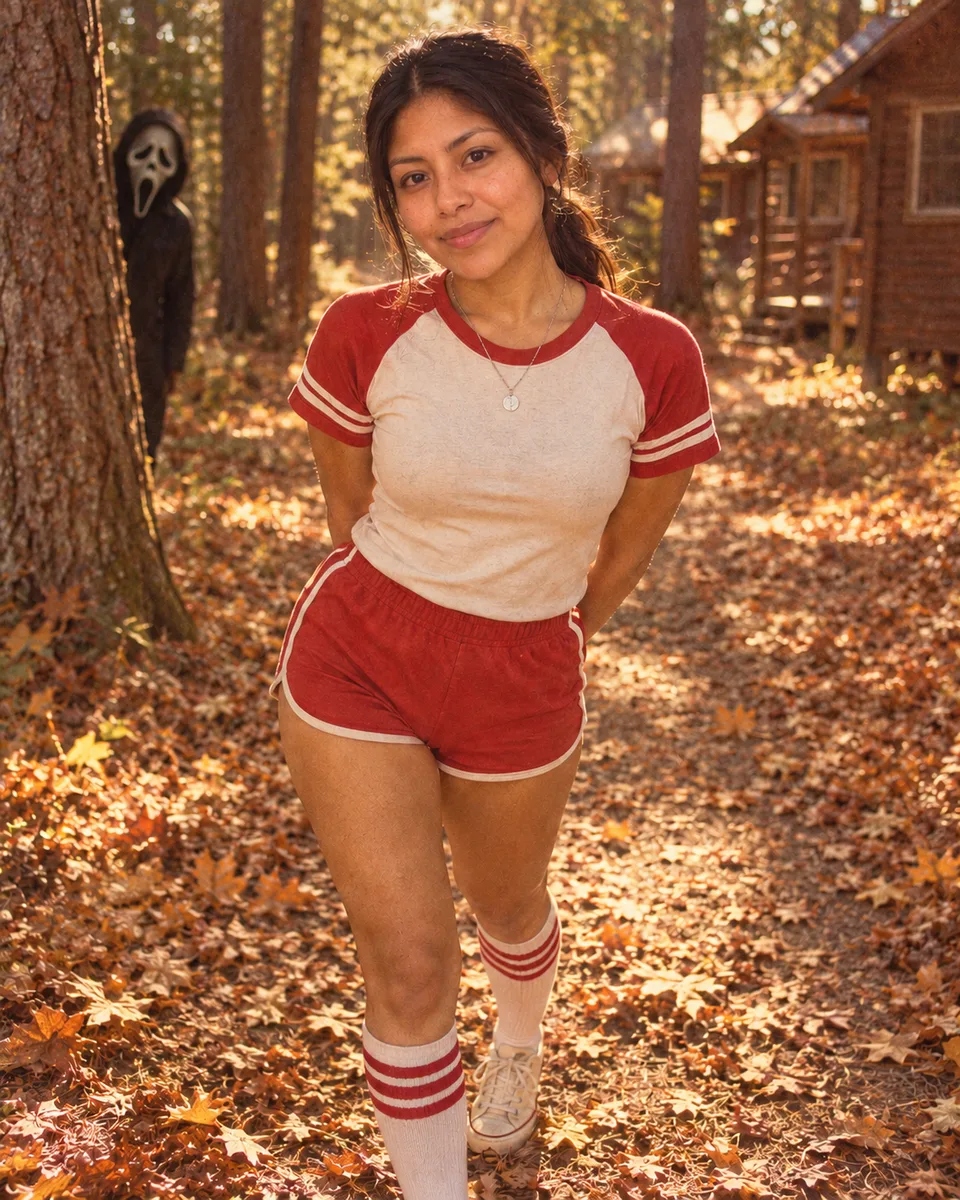
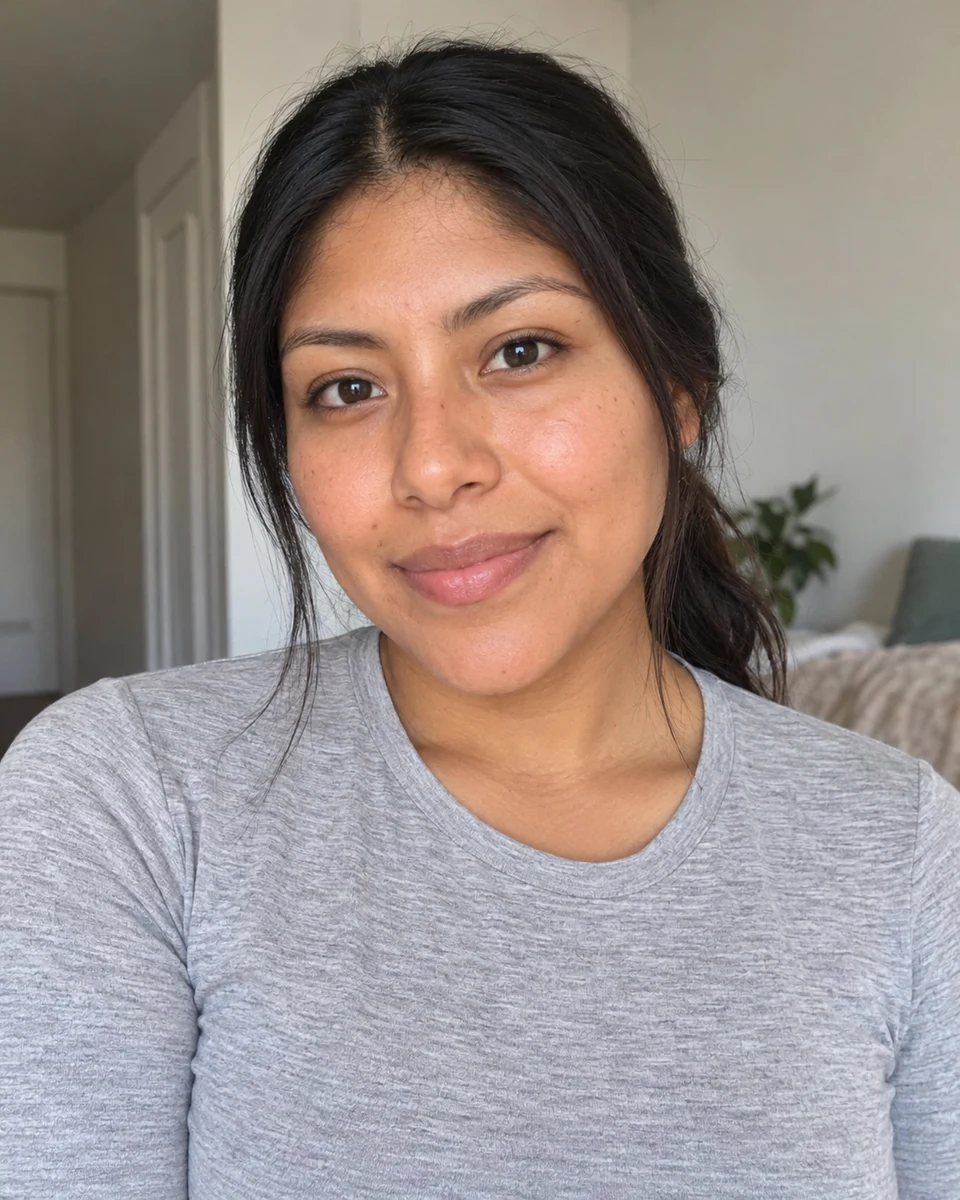
Forest Camp · Vintage Slasher Aesthetic · Halloween AI Photo · AI Image GeneratorOriginal portrait before Halloween AI Photo generation · AI Image GeneratorAVANTAPRÈS

Forest Camp · Vintage Slasher Aesthetic

PROMPT

Use the uploaded reference photo as the main subject. Preserve the person's identity and recognizable facial features unless the prompt explicitly asks for a transformation. Keep the masked figure consistent across scenes: a black hood framing a pale elongated face, drooping black eye sockets, a small triangular nose opening, and a long vertically open black mouth. Using the reference photo, create a dreamy 1970s-style photo of the subject on a forest path with cabins far in the background. Preserve the subject's face, facial features, and hair color and length. Style the hair in a ponytail. Add delicate silver necklaces, accessories, and chunky rings. Dress the subject in short red 1970s gym shorts with white trim, a white vintage camp sweatshirt with red accents, white knee-high socks with two red stripes, and black-and-white canvas sneakers. Use simple glamorous makeup, a grainy 1970s vibe, and fallen gold, brown, and red leaves. A dimly lit masked figure watches from behind a tree. Add subtle tattoos to the subject's arms, hands, and legs.

Construisez une scène d'Halloween autour de votre portrait

Partez d'une direction visuelle, puis utilisez le prompt pour façonner l'ambiance, le décor et les petits détails de votre photo.

01

Images d'horreur nostalgiques

Téléphones à fil, draps en satin, lampes chaleureuses et grain de pellicule donnent au portrait l'atmosphère d'un film des années 1990 en pleine nuit. Parcourir les modèles photo

02

Une silhouette à l'arrière-plan

Essayez un miroir, une porte, un couloir ou une forêt pour ajouter du suspense tout en gardant le portrait au centre. Parcourir les modèles photo

03

Portraits d'Halloween ludiques

Cadres Polaroid, pop-corn, citrouilles et cuisines rétro donnent au résultat l'allure d'un instantané de saison. Parcourir les modèles photo

04

Prêts à personnaliser

Chaque scène commence avec un portrait d'exemple original et un prompt assorti : vous avez un point de départ concret. Parcourir les modèles photo

Comment créer votre photo Ghostface IA

Choisissez une scène, vérifiez l'image et le prompt de départ, puis appropriez-vous le résultat dans le générateur. Choisir une scène pour commencer

  1. 1. Choisissez une scène

    Parcourez les styles de portrait et comparez chaque aperçu avant/après.

    Choisissez une scène
  2. 2. Vérifiez l'image et le prompt chargés

    Remplacez le portrait d'exemple par votre photo, puis ajustez les détails du prompt que vous voulez modifier.

    Générer
  3. 3. Générez votre propre photo d'inspiration horrifique

    Générez, vérifiez le résultat et téléchargez l'image une fois prête.

    Générer

Choisissez une photo qui fonctionne bien comme référence

  • 01

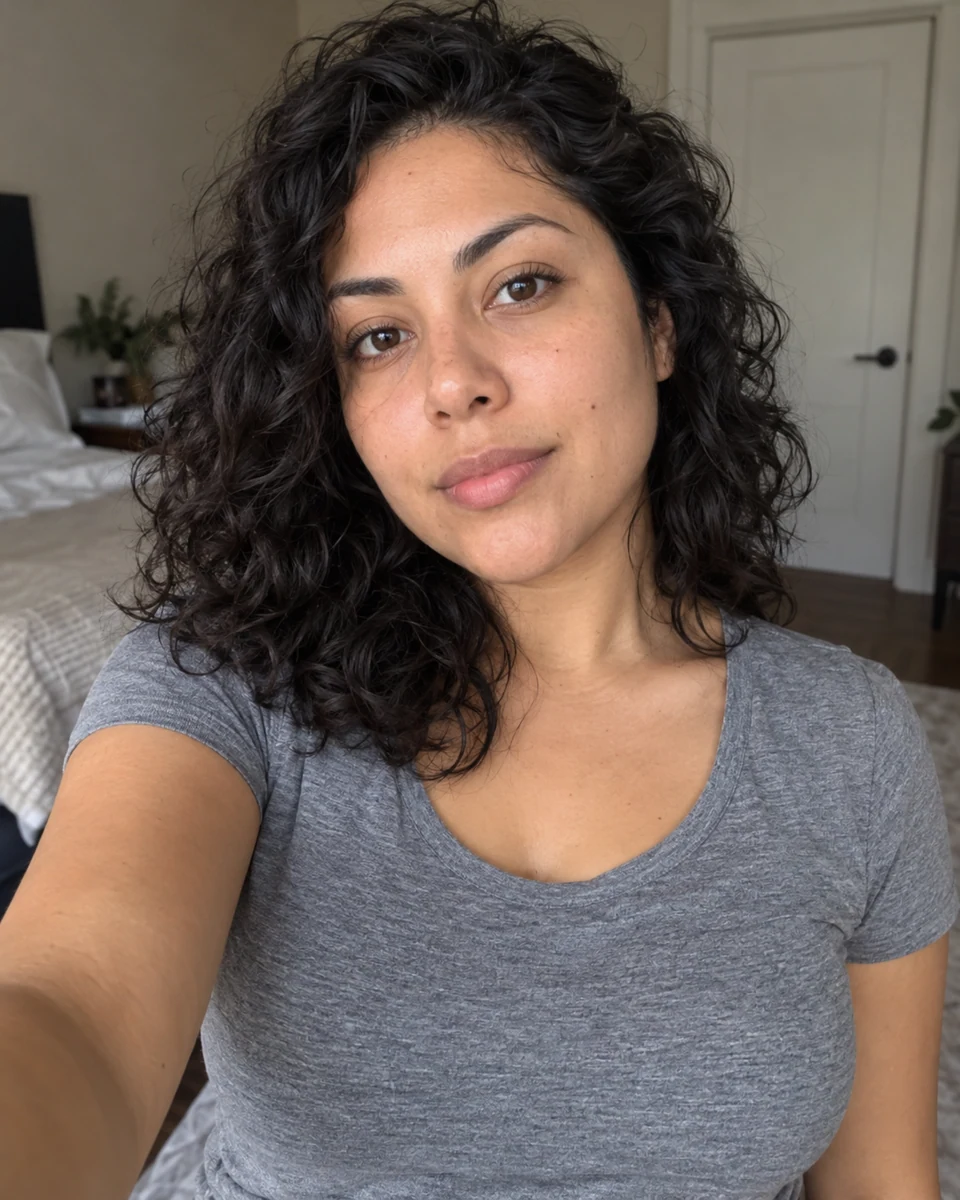
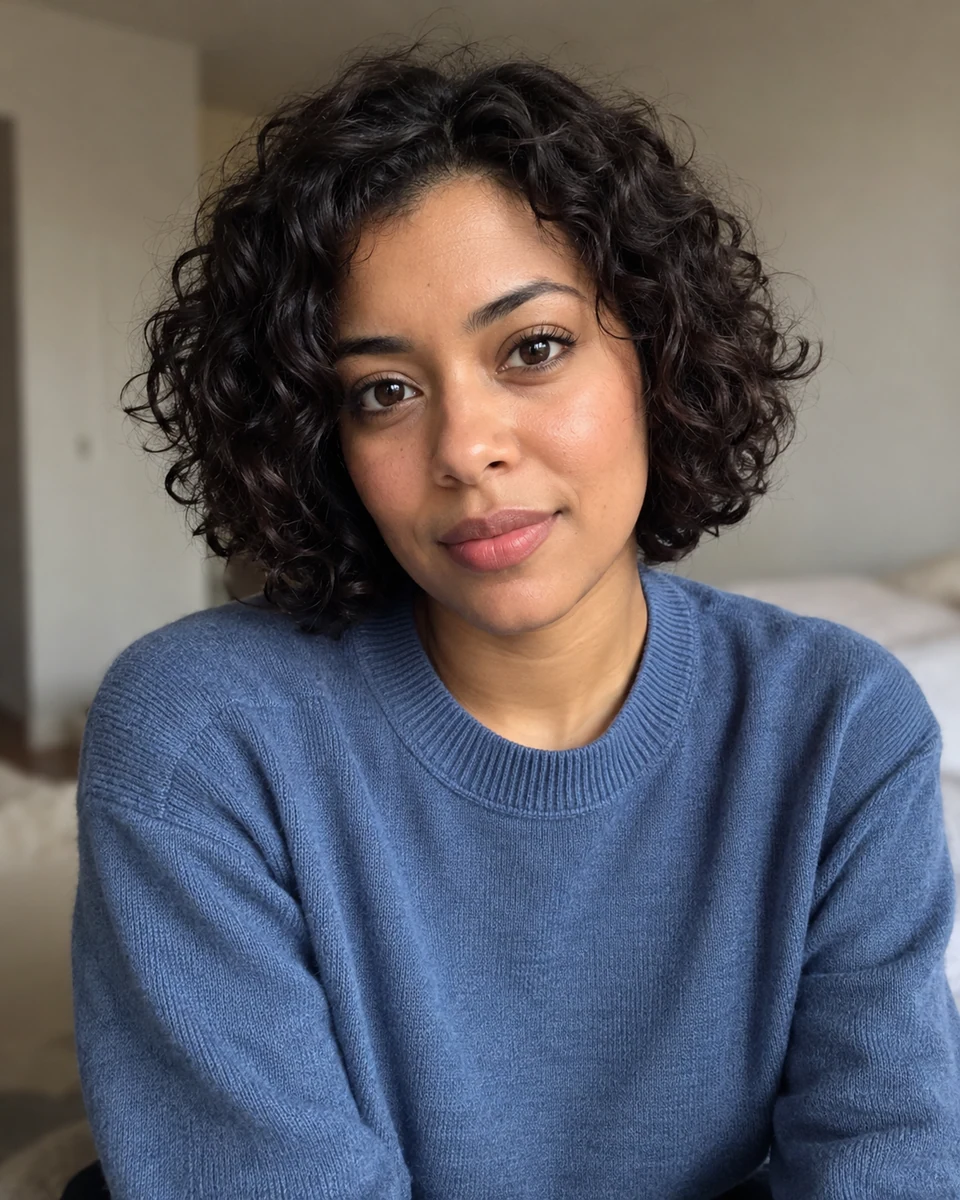
    Utilisez un portrait net, avec le visage visible et non masqué par les mains, les cheveux ou des filtres prononcés.

  • 02

    Une seule personne et un éclairage uniforme aident le modèle d'images à interpréter la référence.

  • 03

    Le prompt demande au modèle de conserver les traits reconnaissables, mais les résultats peuvent varier. Vérifiez le résultat et ajustez le prompt si besoin.

Questions sur Ghostface AI Photo

Dois-je écrire un prompt ?

Non. Chaque scène comprend un prompt prêt à l'emploi et un portrait de départ original. Vous pouvez ouvrir le générateur tel quel, ou modifier et copier le prompt d'abord. Ouvrir le générateur d'images

Puis-je utiliser mon propre portrait ?

Oui. Ouvrez une scène, puis remplacez l'image de départ par votre photo dans le générateur. Le prompt est chargé séparément et reste modifiable. Ouvrir le générateur d'images

Le résultat me ressemblera-t-il exactement ?

Les prompts sont rédigés pour que la personne reste reconnaissable, mais la génération d'images peut modifier certains détails du visage. Les résultats dépendent de la photo de référence et du modèle. Ouvrir le générateur d'images

Puis-je changer la scène ou la tenue ?

Oui. Modifiez le prompt chargé pour changer le décor, les vêtements, la lumière ou l'ambiance avant de générer. Ouvrir le générateur d'images

La page fonctionne-t-elle sur mobile ?

Oui. La galerie de modèles et le générateur s'adaptent aux petits écrans : vous pouvez choisir une scène et la modifier depuis un navigateur mobile. Ouvrir le générateur d'images

Comment enregistrer mon image finale ?

Après la génération, utilisez le bouton de téléchargement du panneau de résultat pour enregistrer une copie PNG sur votre appareil. Ouvrir le générateur d'images

Puis-je partager l'image ensuite ?

Vous pouvez télécharger le résultat et le partager sur le réseau social de votre choix. Ouvrir le générateur d'images