
Trending AI video template
Create a Burning Bridges AI video
Keep the reference clip’s scenes and choreography while replacing only the central protagonist. Supporting characters retain their original appearances. The reference video, prompt, and model are preloaded.
One protagonist reference/15-second full reference/Audio enabled
Open template in AI Video GeneratorLocked reference video
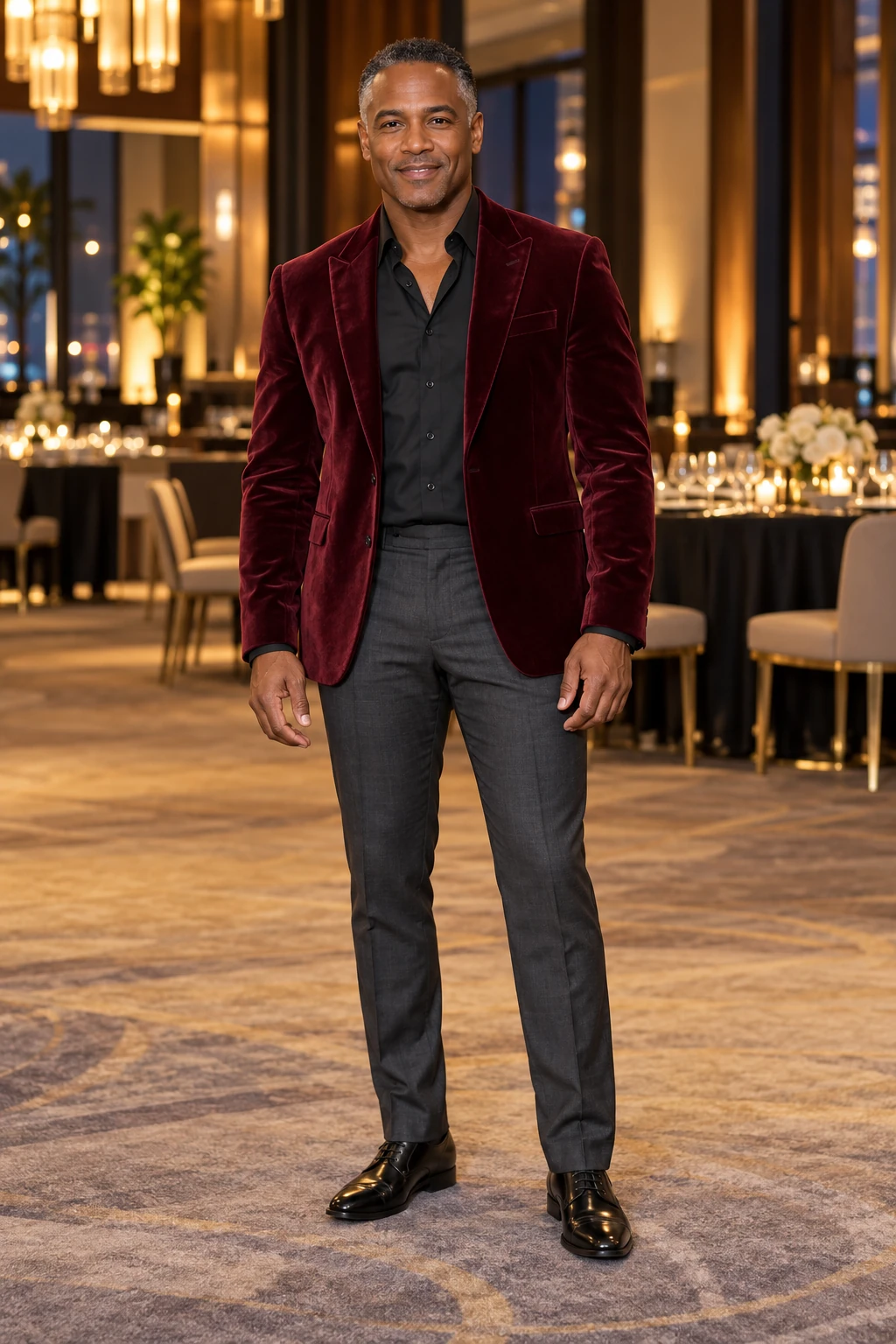 Image 1
How it works
Replace the protagonist reference, then generate
Image 1 replaces only the central protagonist. Supporting characters keep their original appearances and performances from the reference video. The reference clip retains its audio, and audio generation is on by default.
- 01
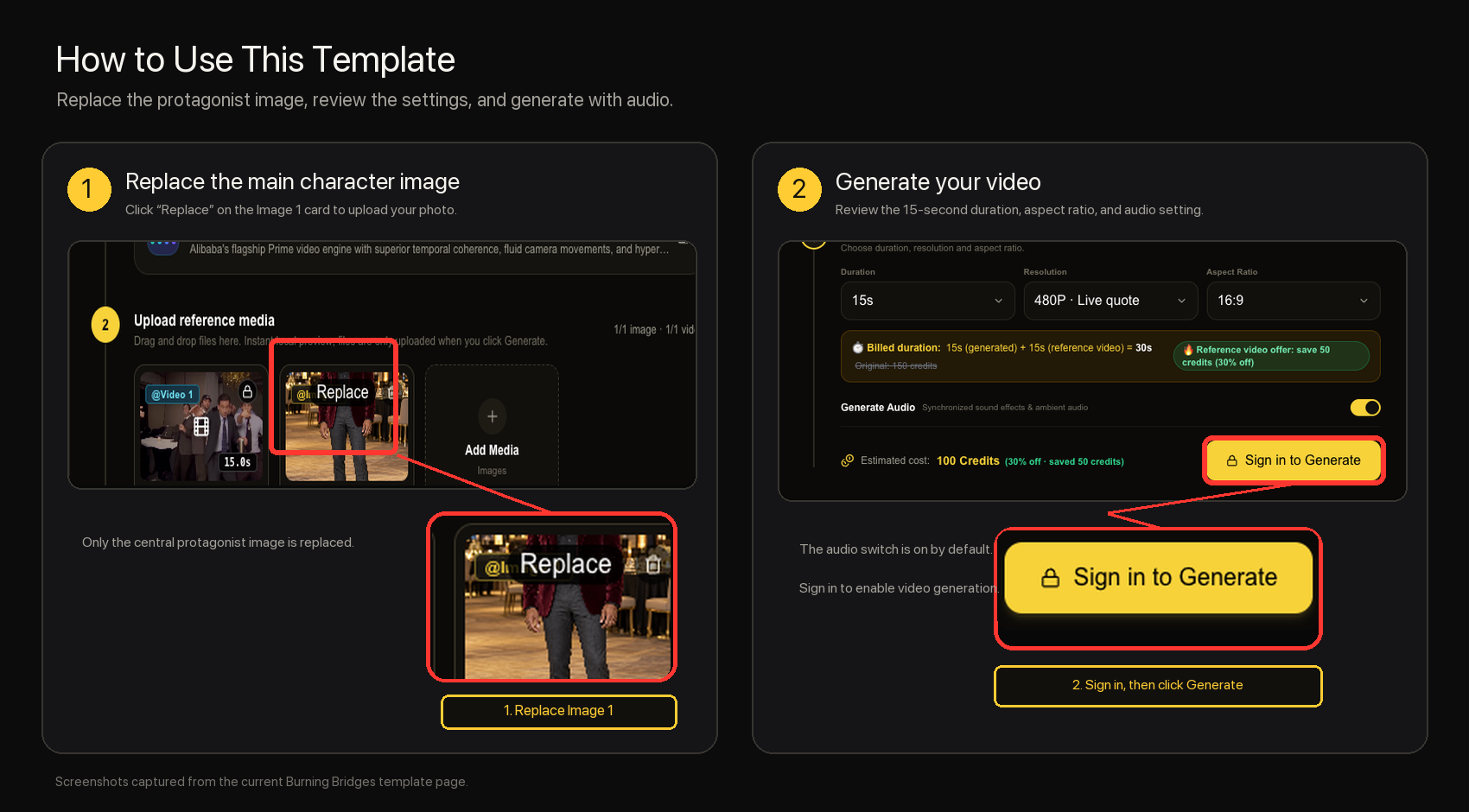
Open the template
The reference clip, prompt, and Wan 3.0 Prime load automatically.
- 02
Replace the protagonist image
Replace Image 1 only; supporting characters retain their original appearances.
- 03
Review and generate
Check the 15-second landscape output and credit quote before generating.
Generative video may not reproduce the reference frame by frame. Character appearance, motion, timing, and scene details can vary in the model output.